Validation rule templates
Are predefined sets of rules that dictate how data should be validated within a specific context. These templates help ensure data accuracy and consistency by providing a structured framework for validating data entries based on predetermined criteria. By using validation rule templates, organizations can enforce data integrity, prevent errors, and maintain consistency in their data management processes.
Rule Templates
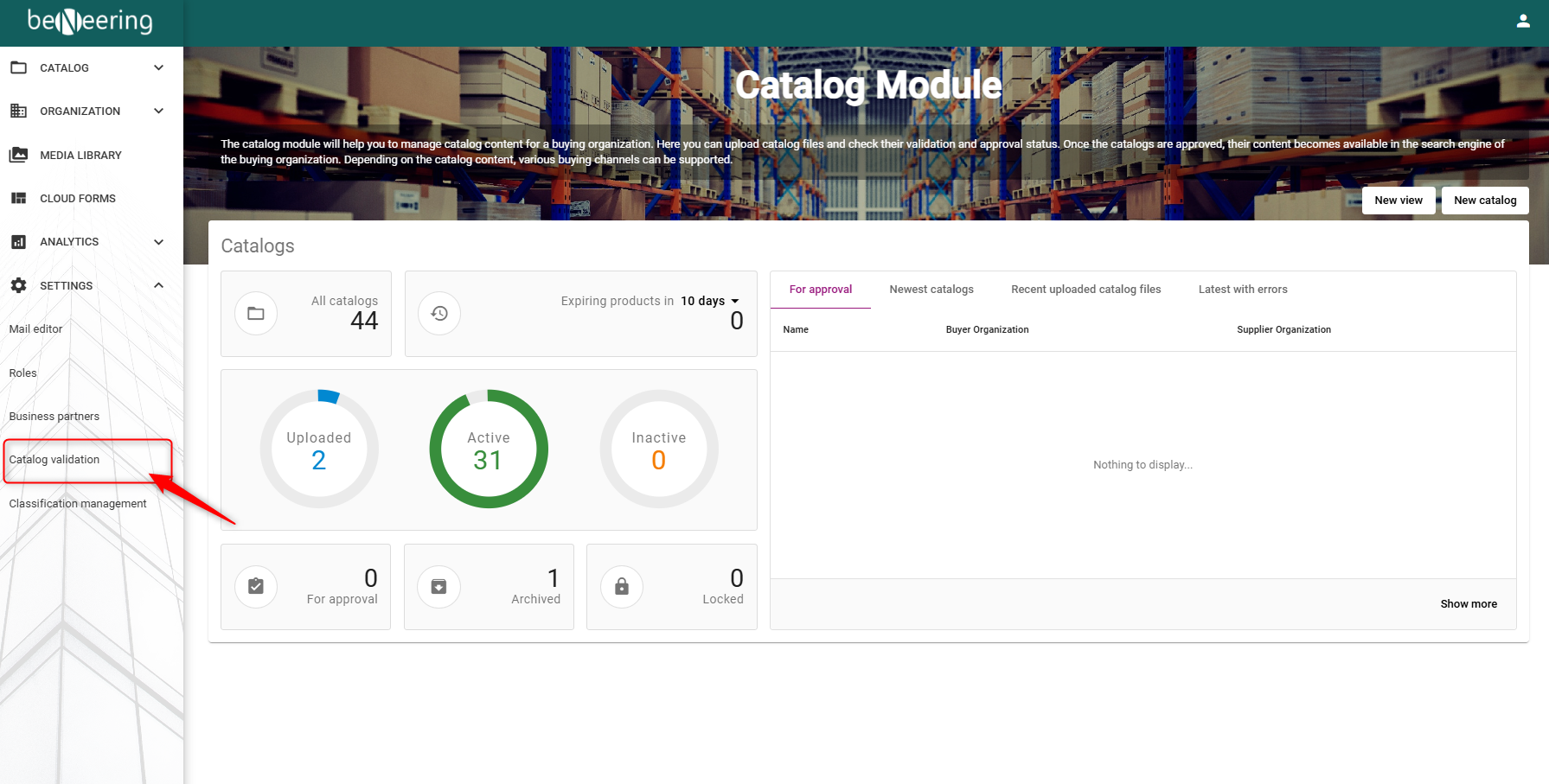
To begin, select Catalog Validation from the menu on the left-hand side. This will open a new page where you’ll see two types of validation rule options:
-
Rule Packs
-
Rule Templates
-
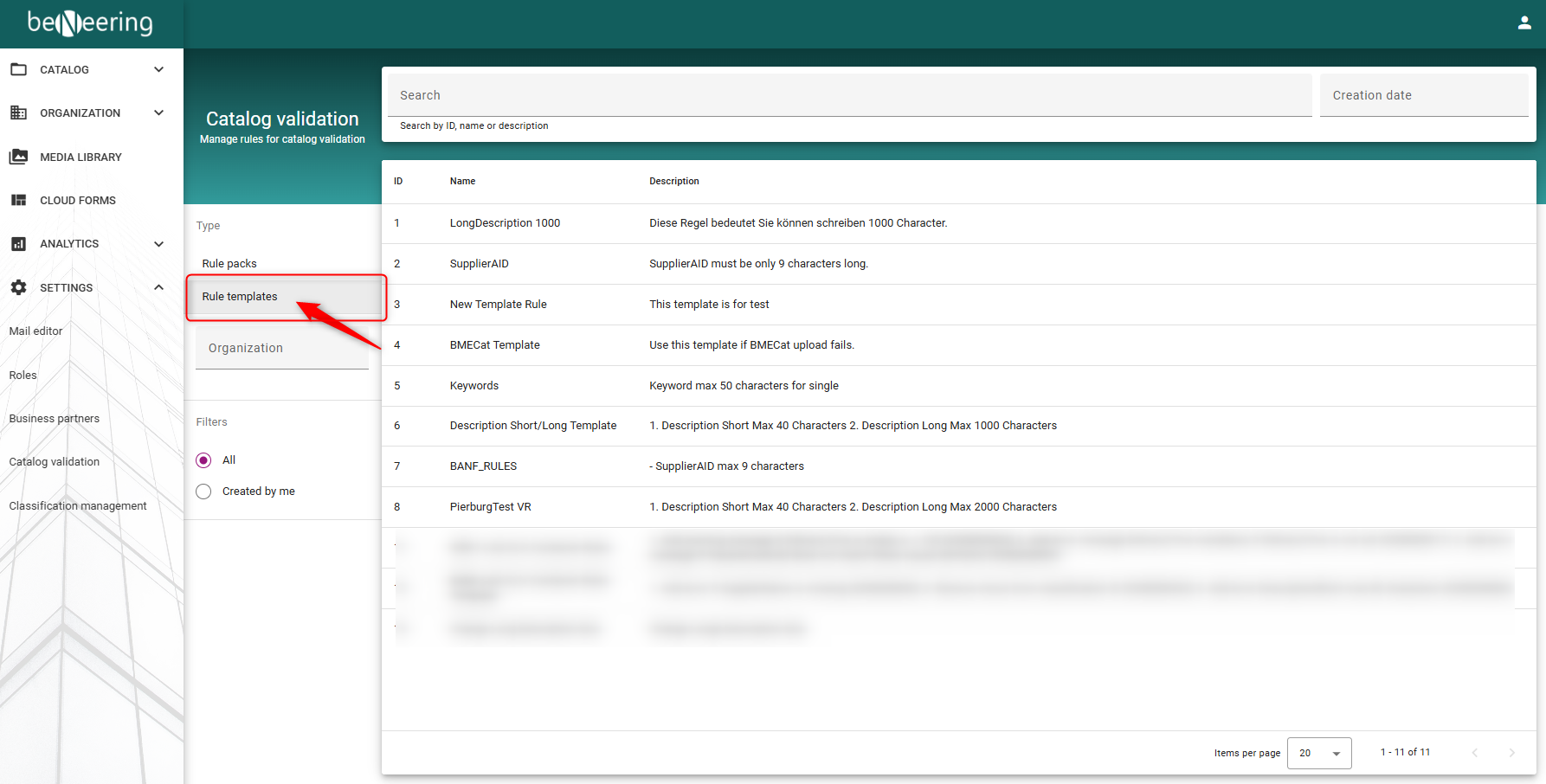
First, select “Rule templates.” You will then see all available rule templates that can be added to your Organization Root.
-
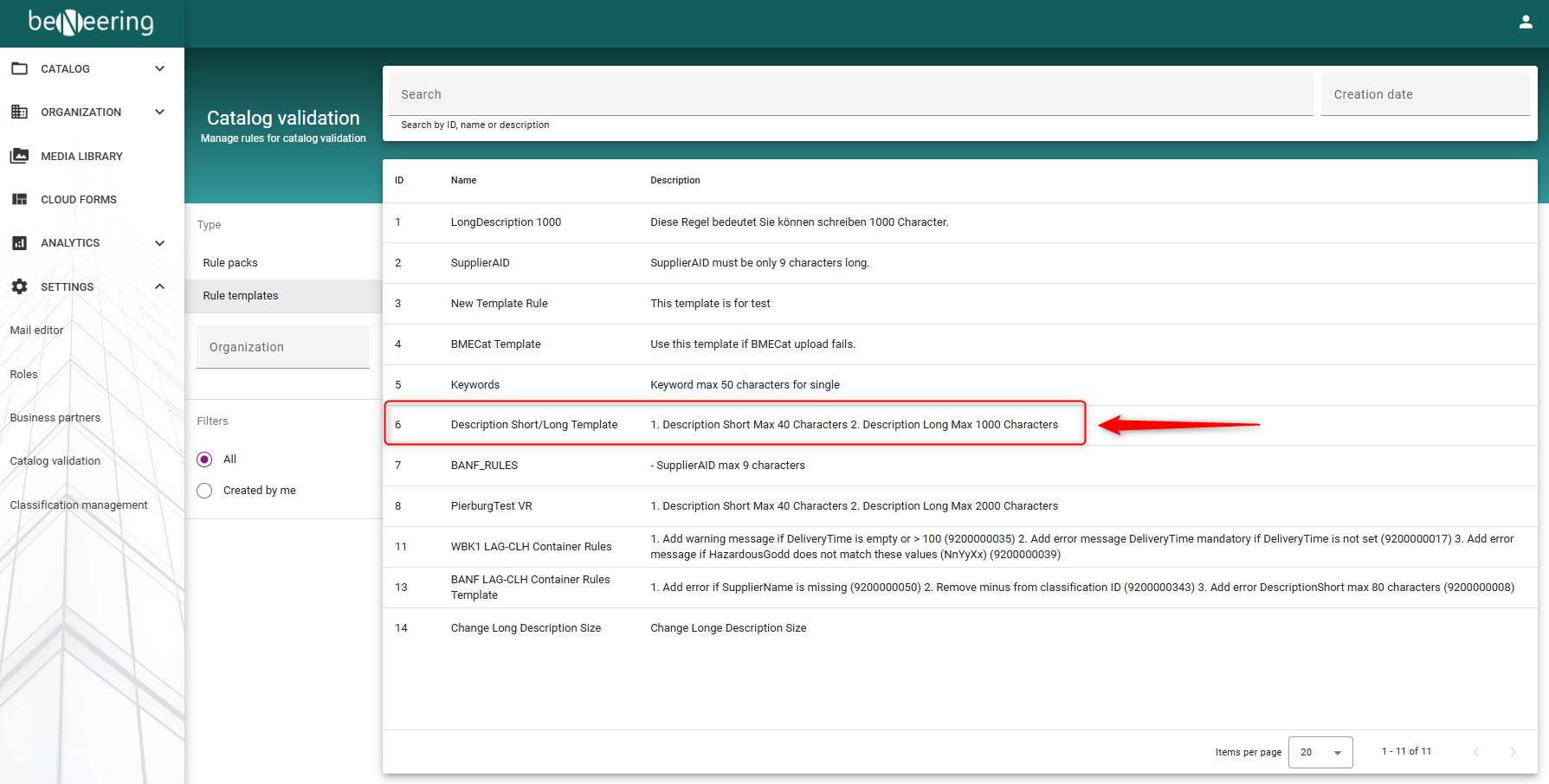
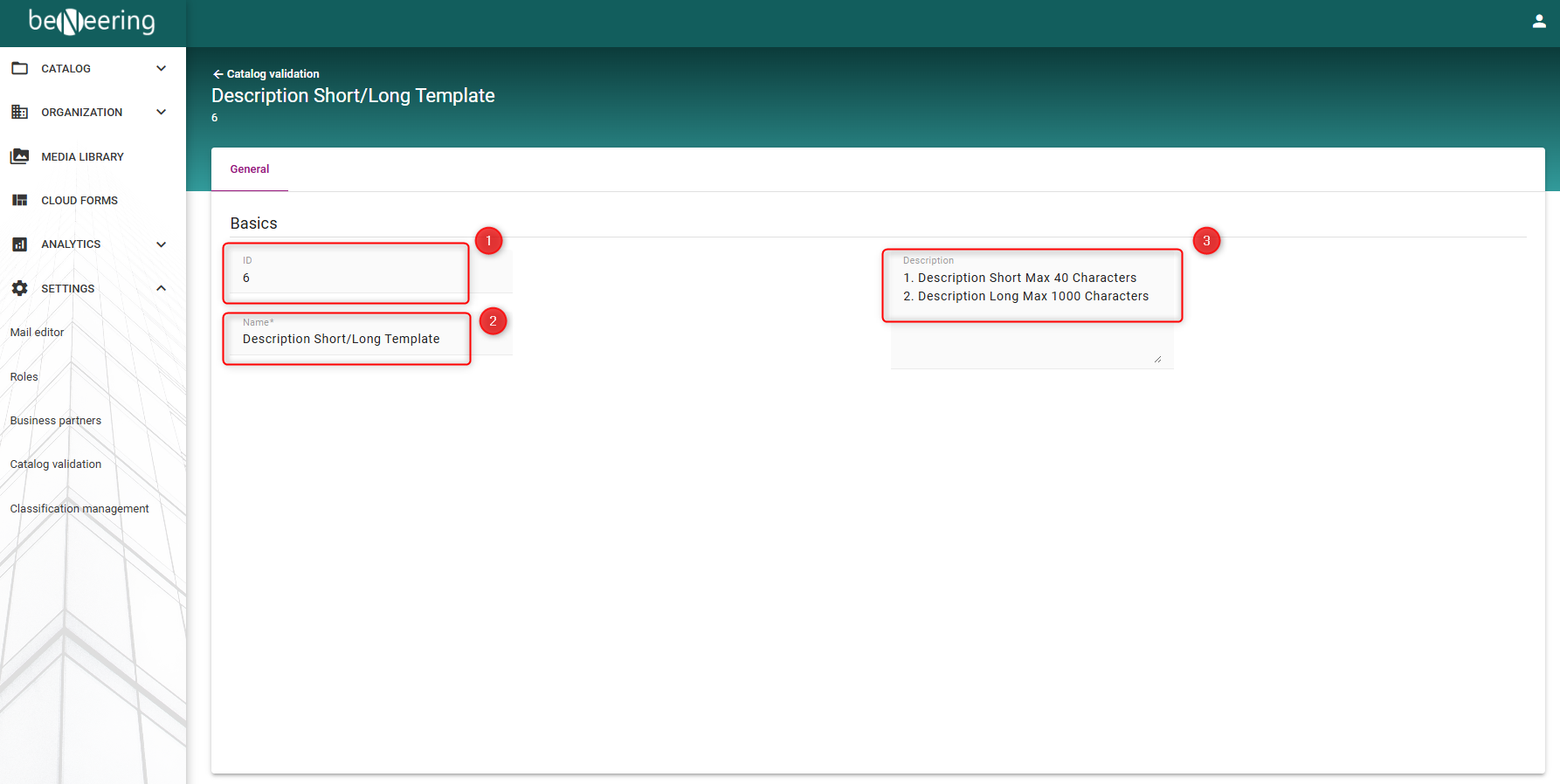
Next step: When you click on the template you want to add, you will see more information under the General tab, such as the ID, name, and description. The name and description can be customized by the customer based on the templates they require.
-
In the General tab, you will see the following fields:
-
ID
-
Name
-
Description
-
-
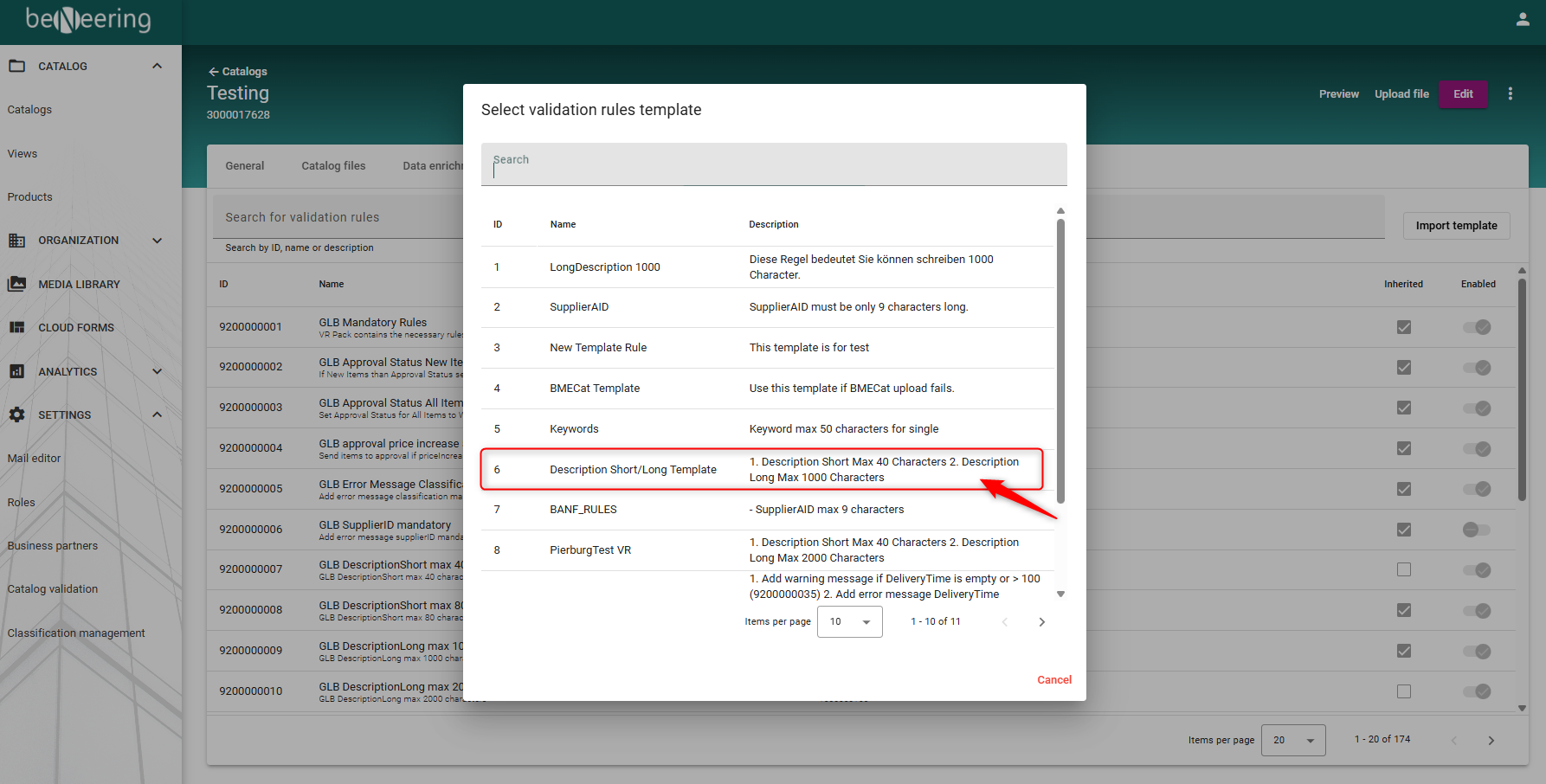
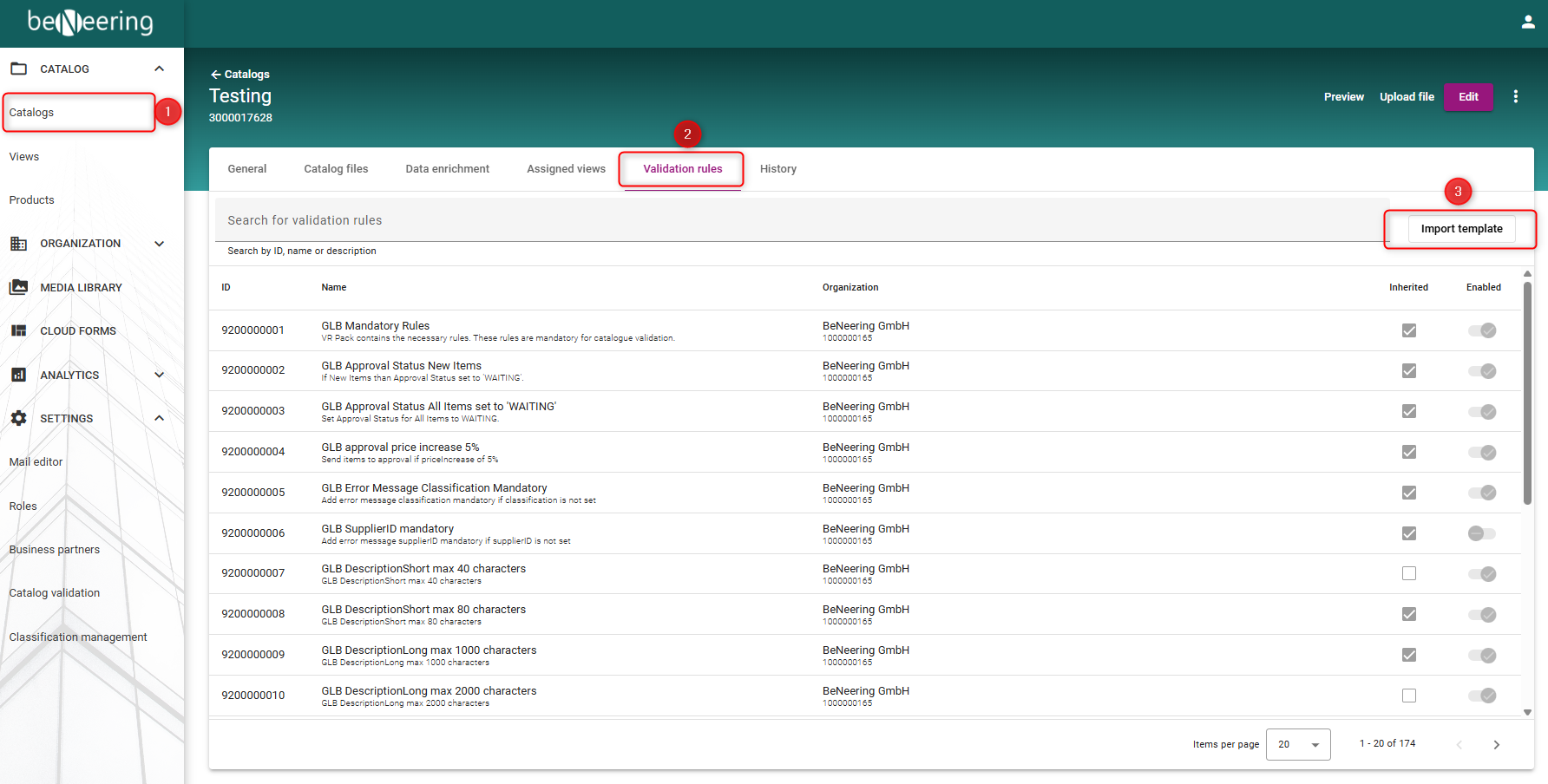
Next step: To assign the template to the container where you want to use it, go to the “Catalogs” tab and select the container you want to add the template to. Then, open the “Validation rules” tab. On the right side, you will find a button to “Import template” into the container.
-
A new window will open where you can see all available templates. Simply select the template you want to import and click to add it.