
Approvers can now add comments on individual catalog items during the approval process.
How it works:
-
Each item on the Catalog Approval page has a comment icon; a badge shows the number of comments (hidden if there are none).
-
Click the icon to open the comments modal, where you can add, edit, or delete your own comments and view comments from other approvers.
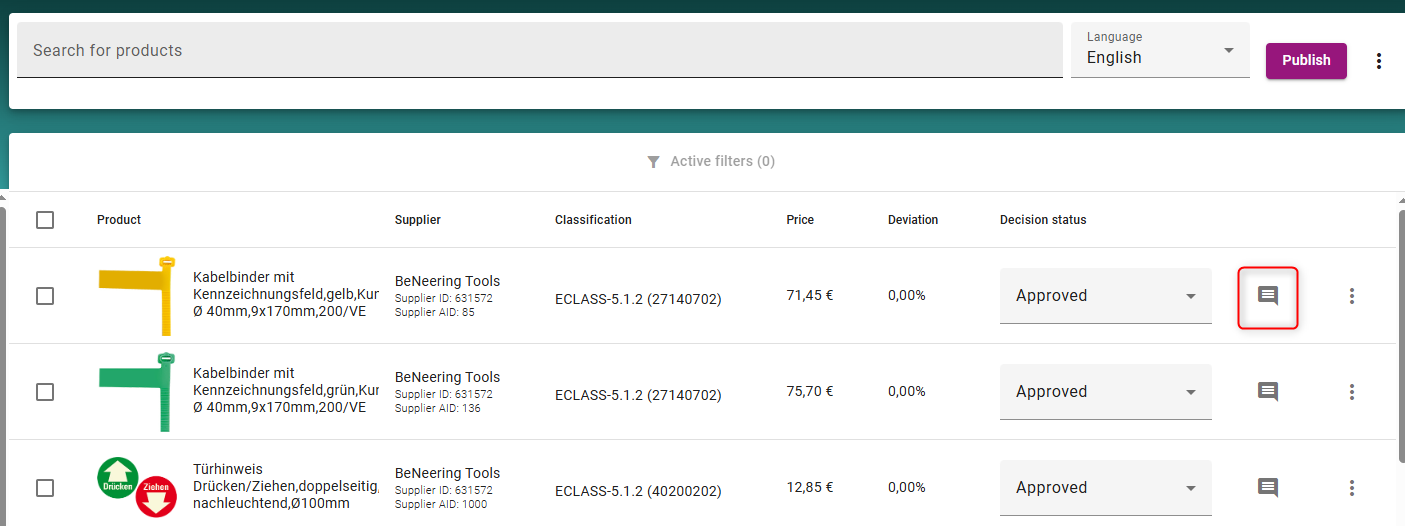

-
Once a new comment is given a badge will appear indicating that there is a new comment:
-
Each comment can only be edited or deleted by the approver who created it.
-
If an item has more than 10 comments, they're paginated (10 per page).
Note: Uploading a new catalog version deletes all comments from the previous version, comments don't carry over.