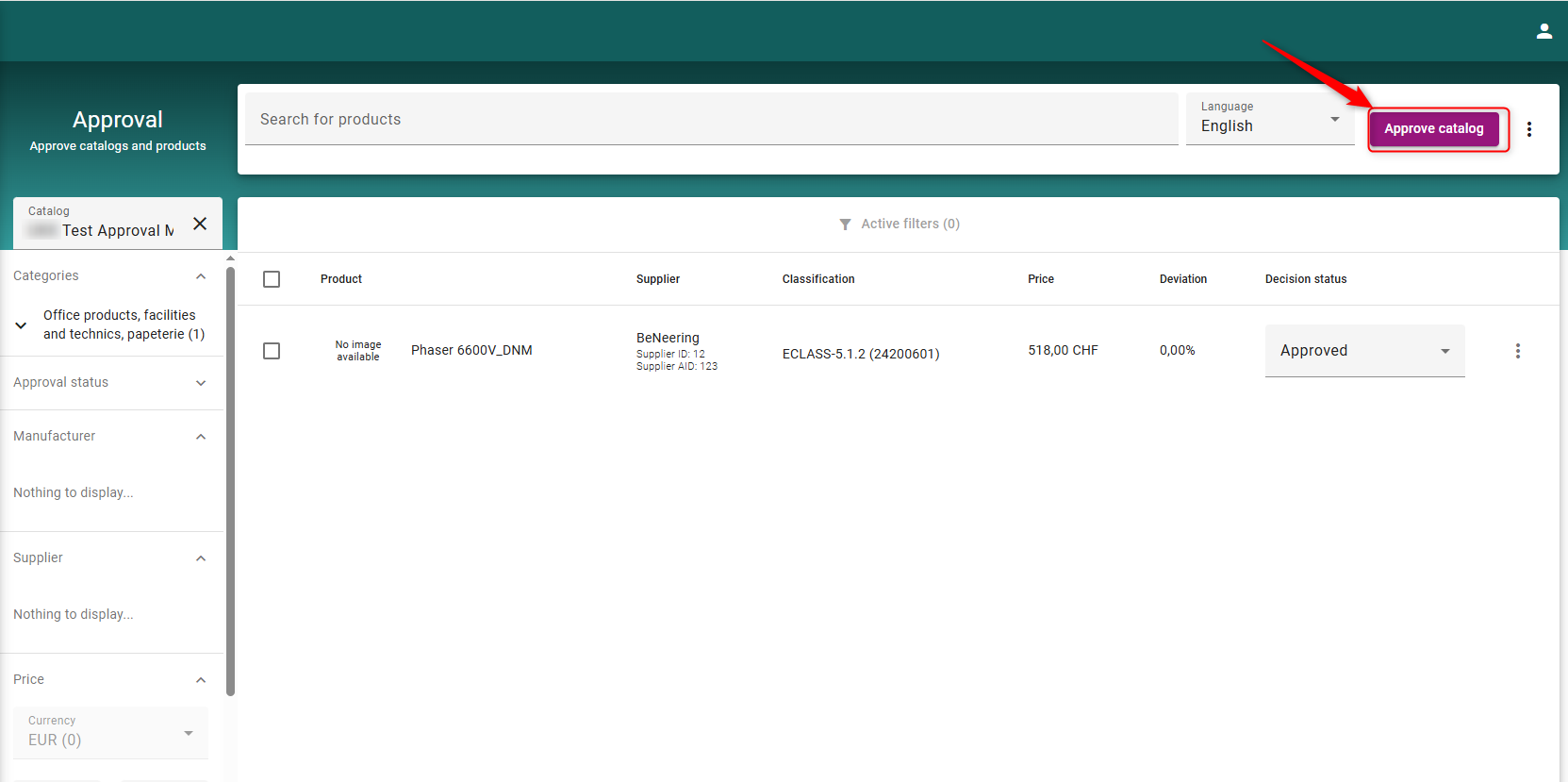
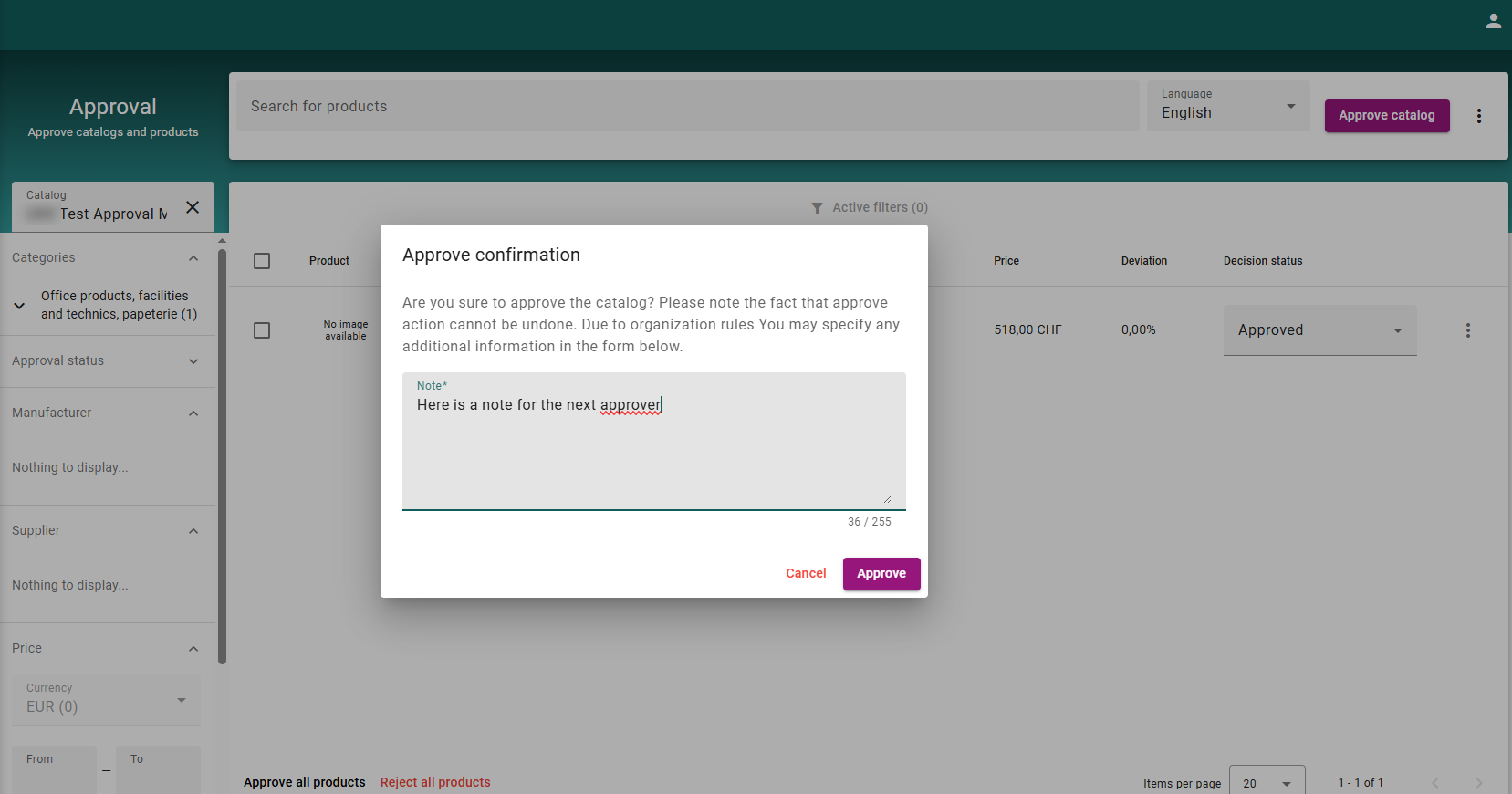
Within the multilevel approval process, approvers can add comments for the next approver in the chain. To do this, click Approve Catalog. A new window will open, prompting you to enter a comment if desired.
This functionality is automatically enabled in multilevel approvals.
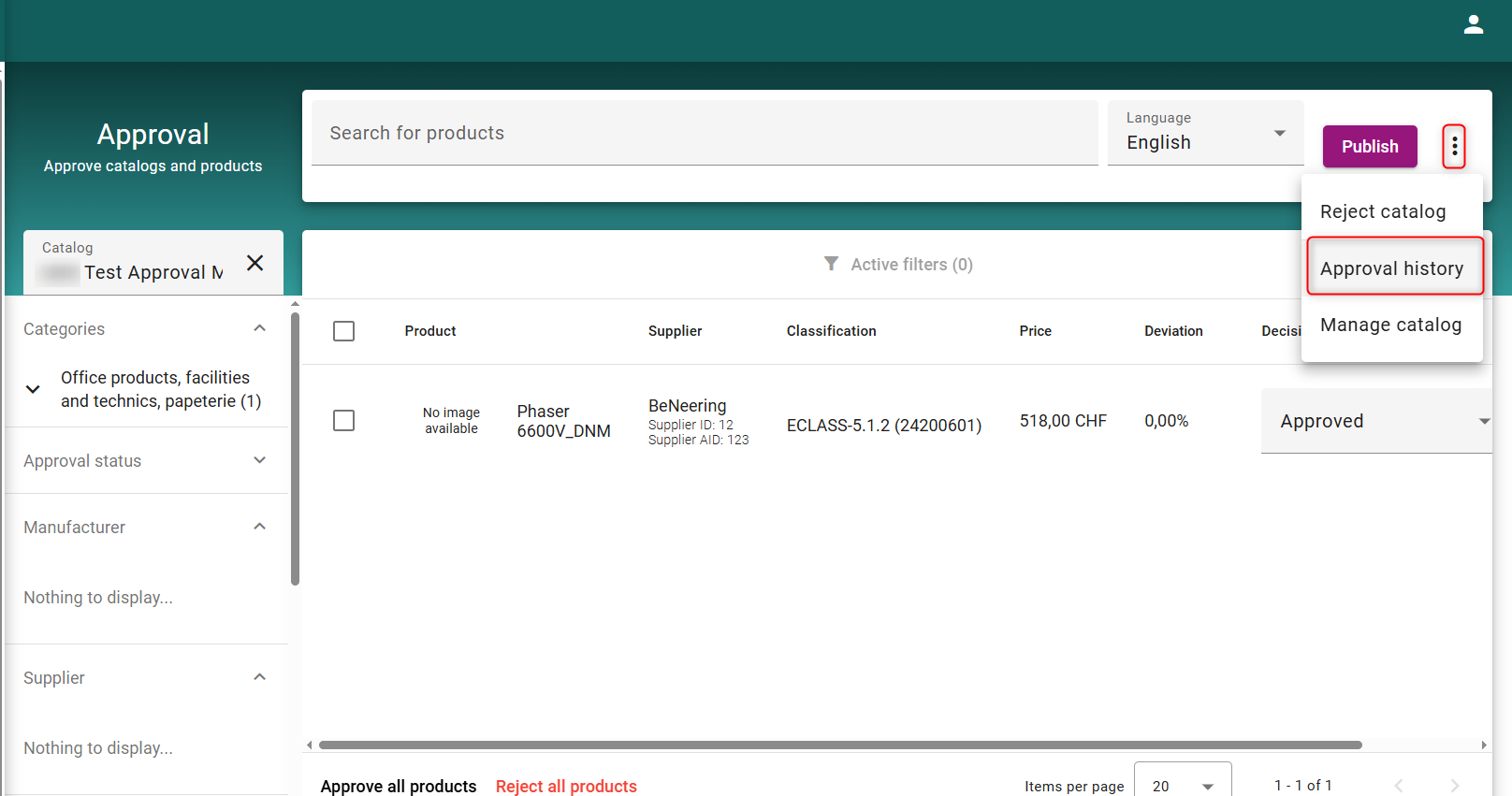
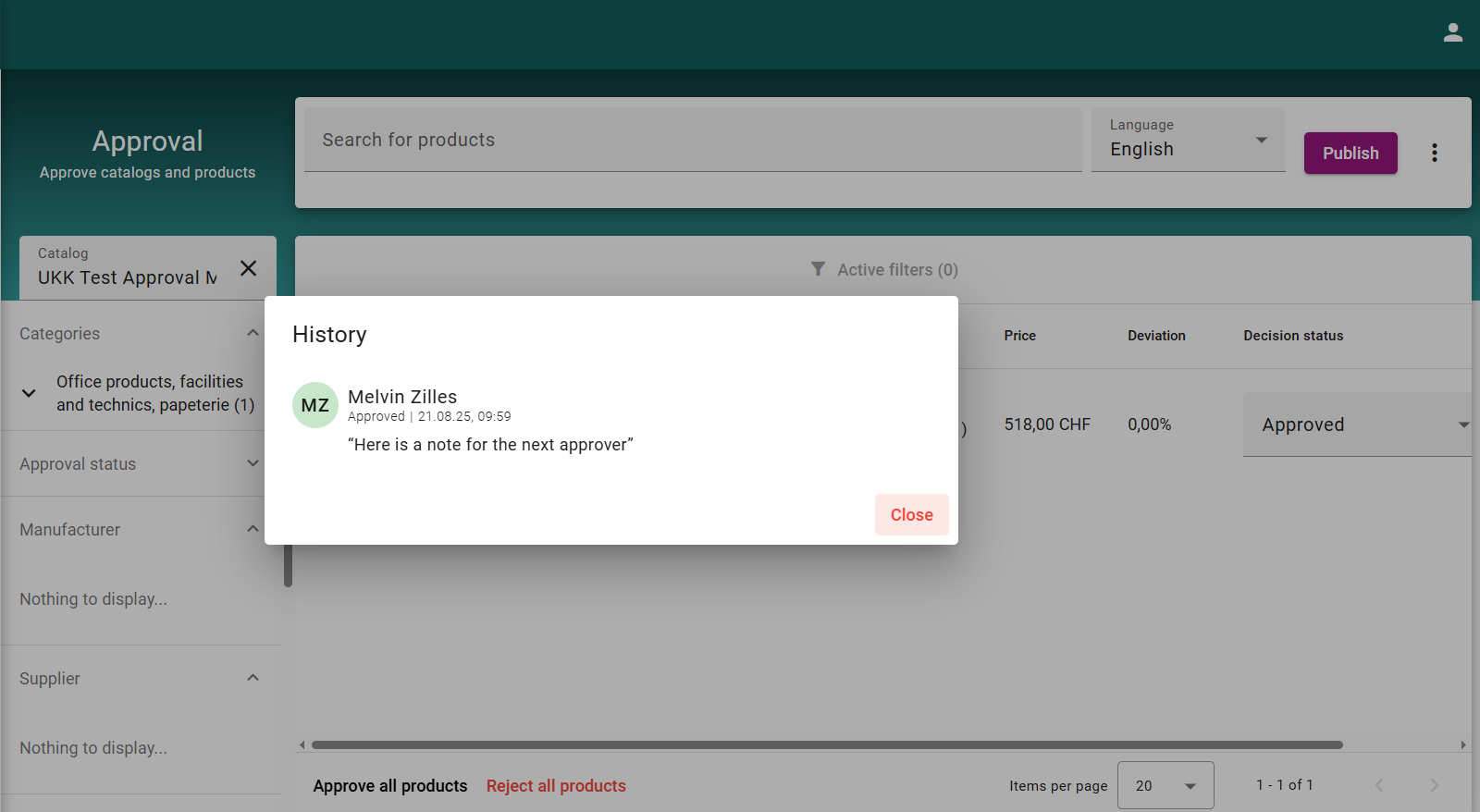
Approvers can view comments added during the approval process by clicking the three dots in the top-right corner and selecting Approval History.