Creating Pivot Report
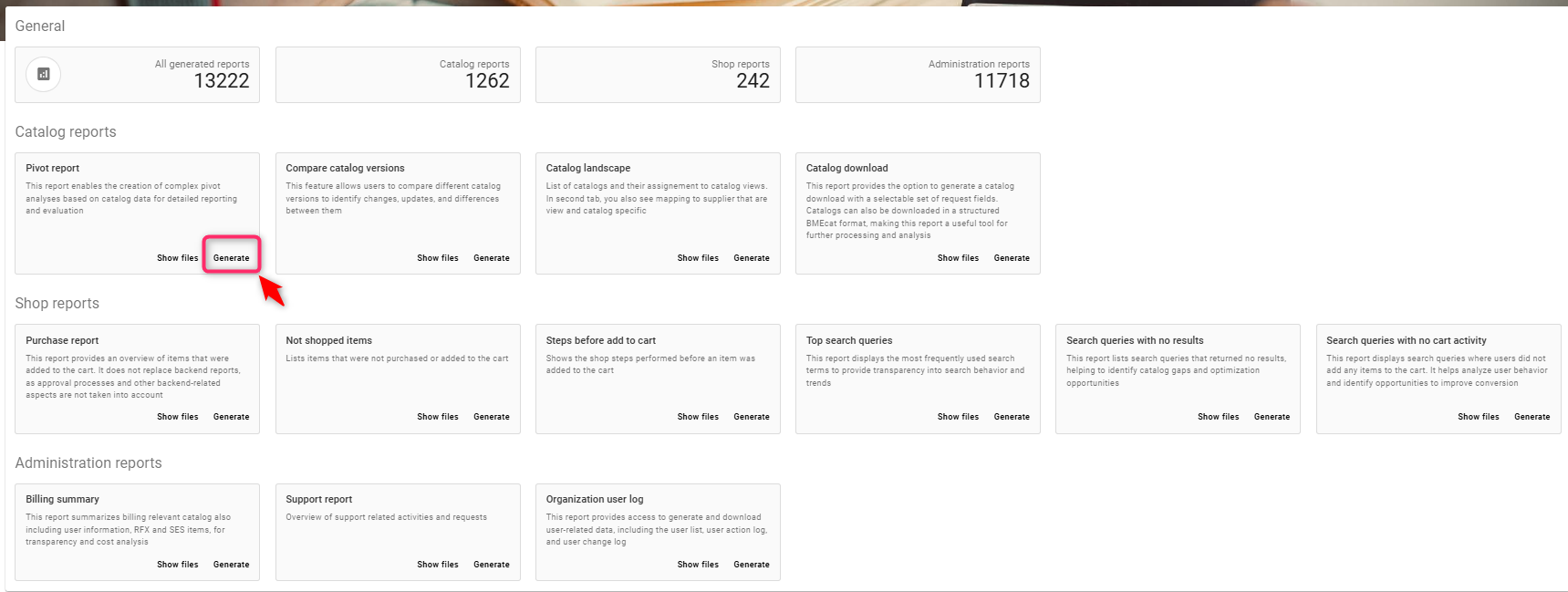
a) Click on generate
b) Enter a name for the report - e.g.TEST123
c)Click on Range type and select from the available option
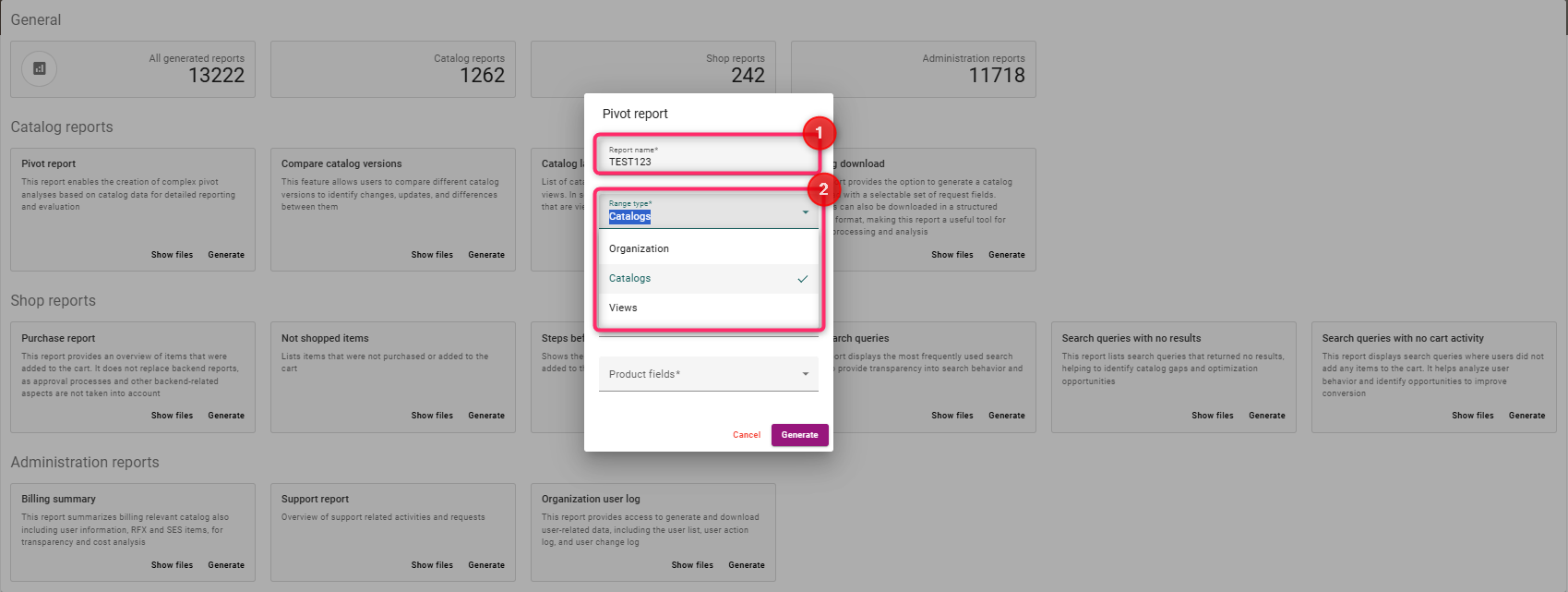
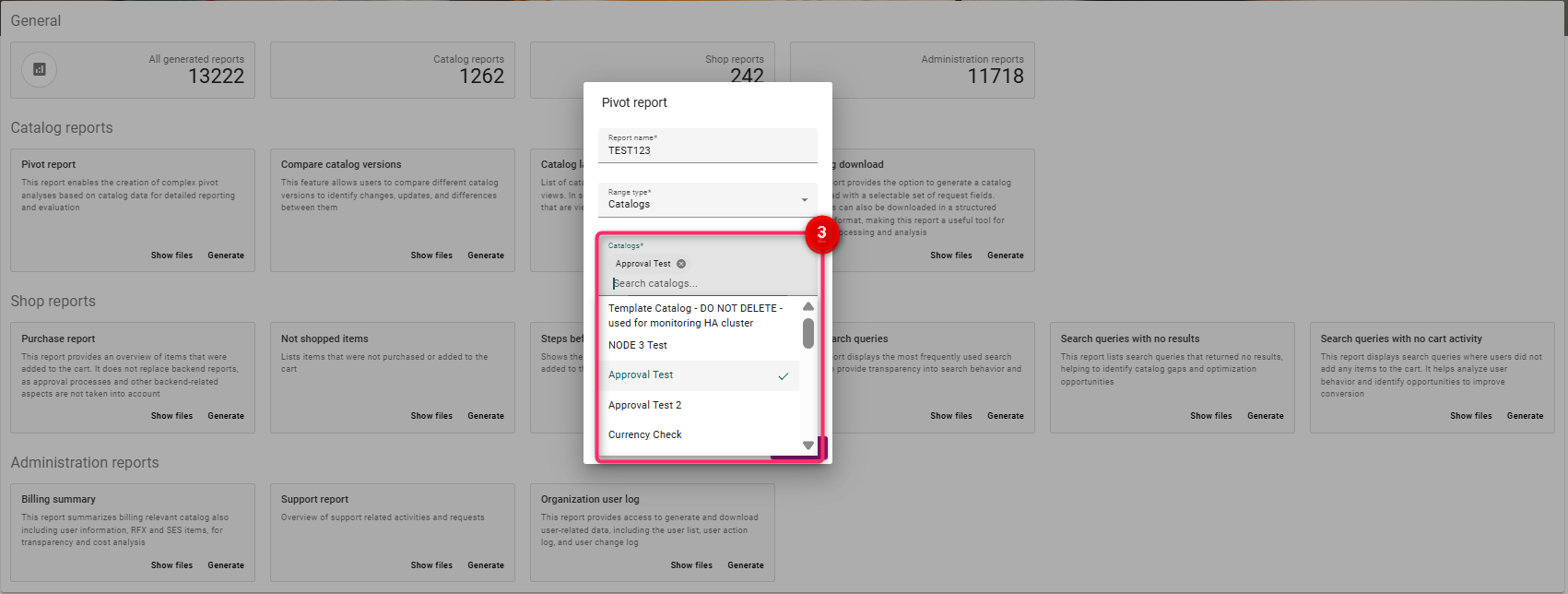
d) Click on Catalogs and select from options [
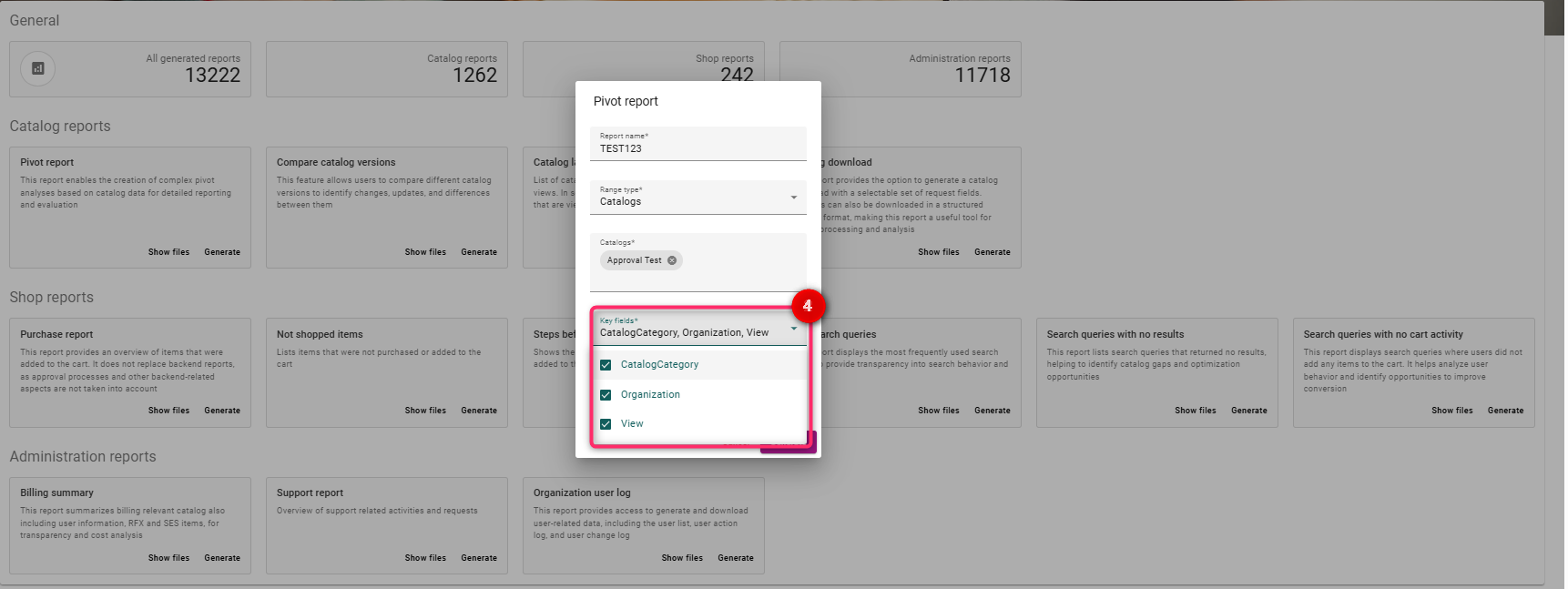
d) Select key fields - select the required fields from the drop down
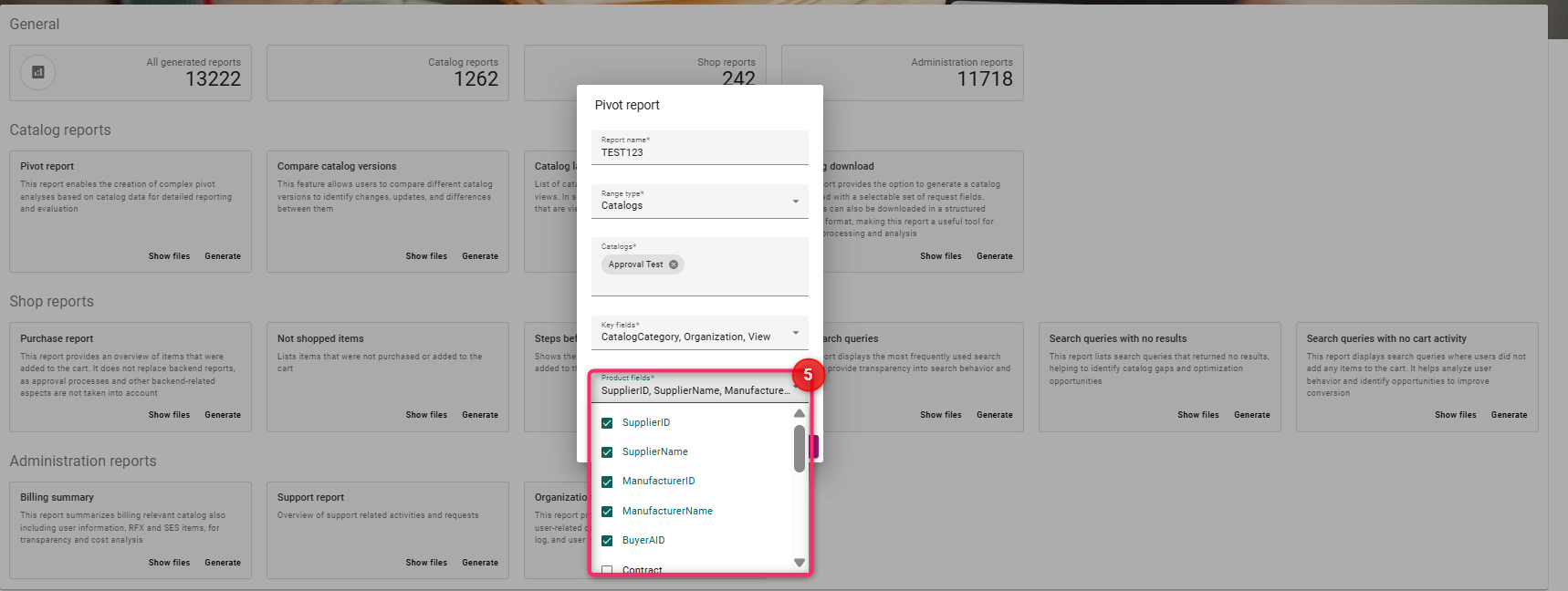
e) Select the product fields from the dropdown
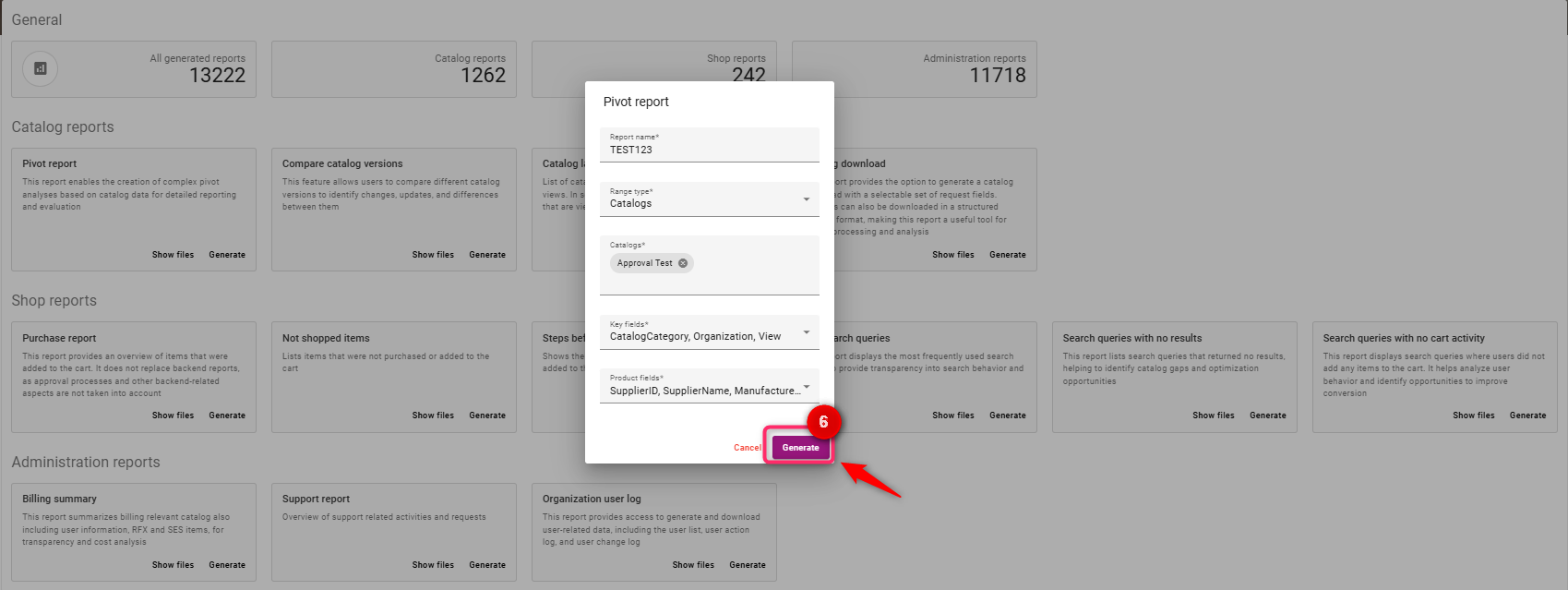
f) Click on Generate
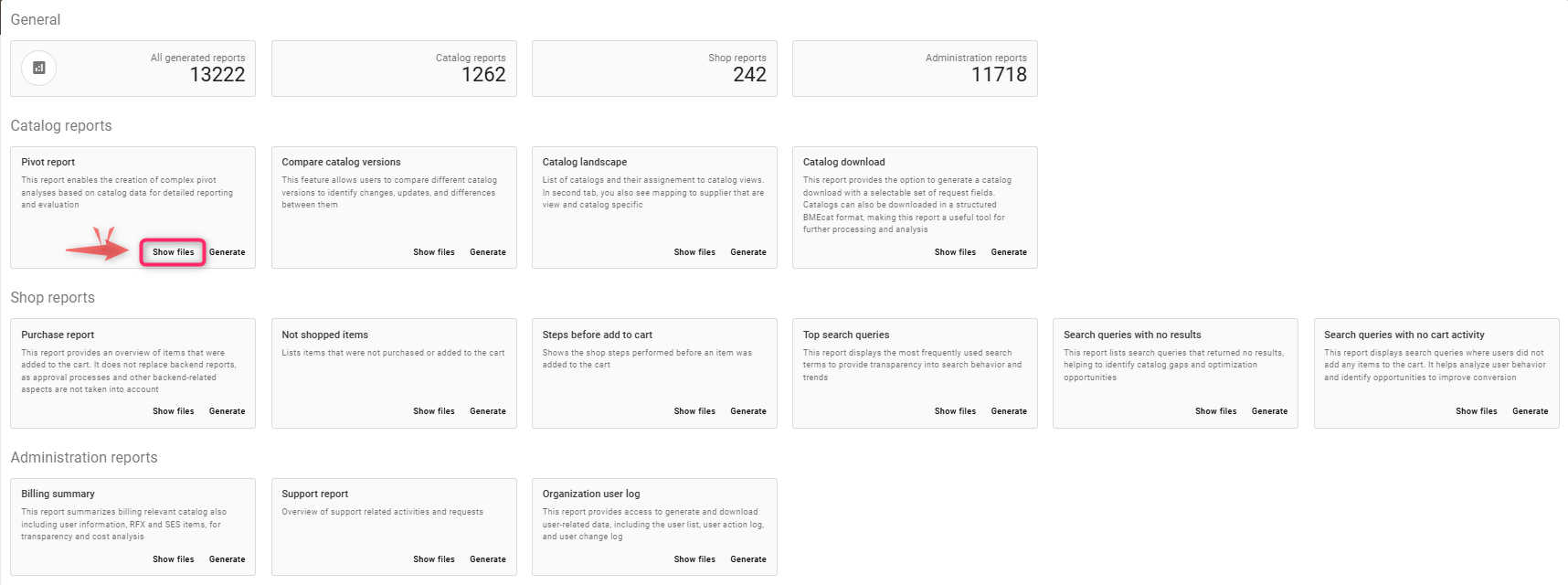
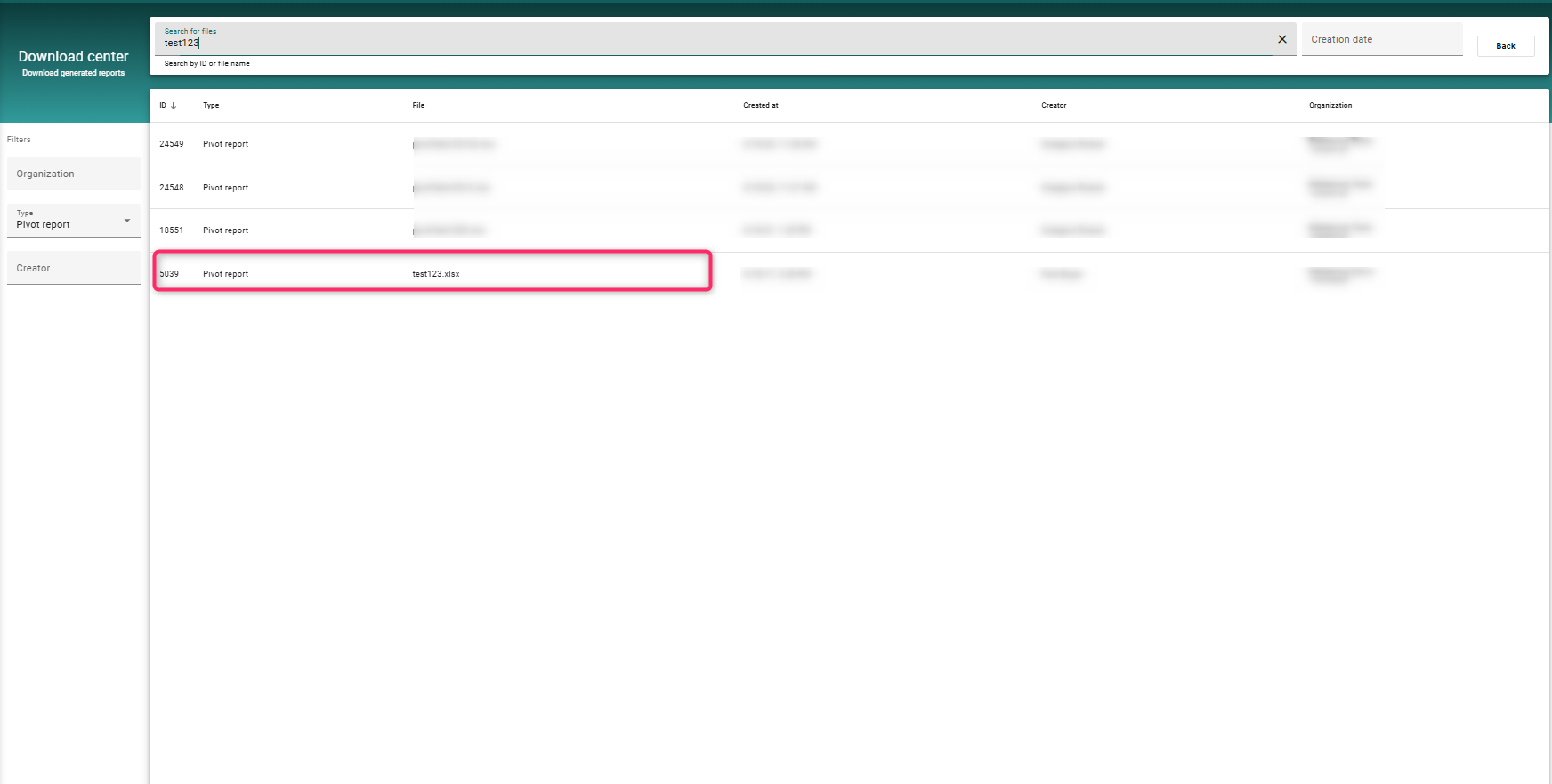
To access the report you created / generated, click on Show Files