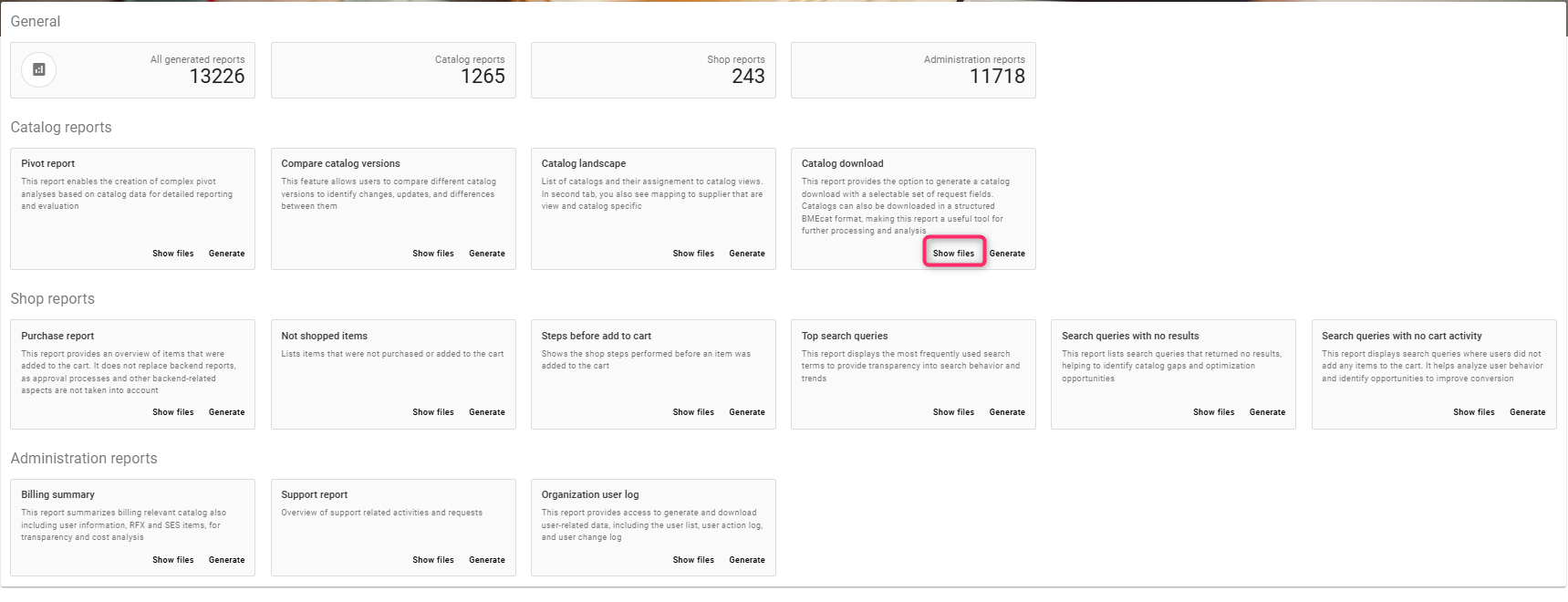
This report provides the option to generate a catalog download with a selectable set of request fields. Catalogs can also be downloaded in a structured BMEcat format, making this report a useful tool for further processing and analysis
Steps to Create the report
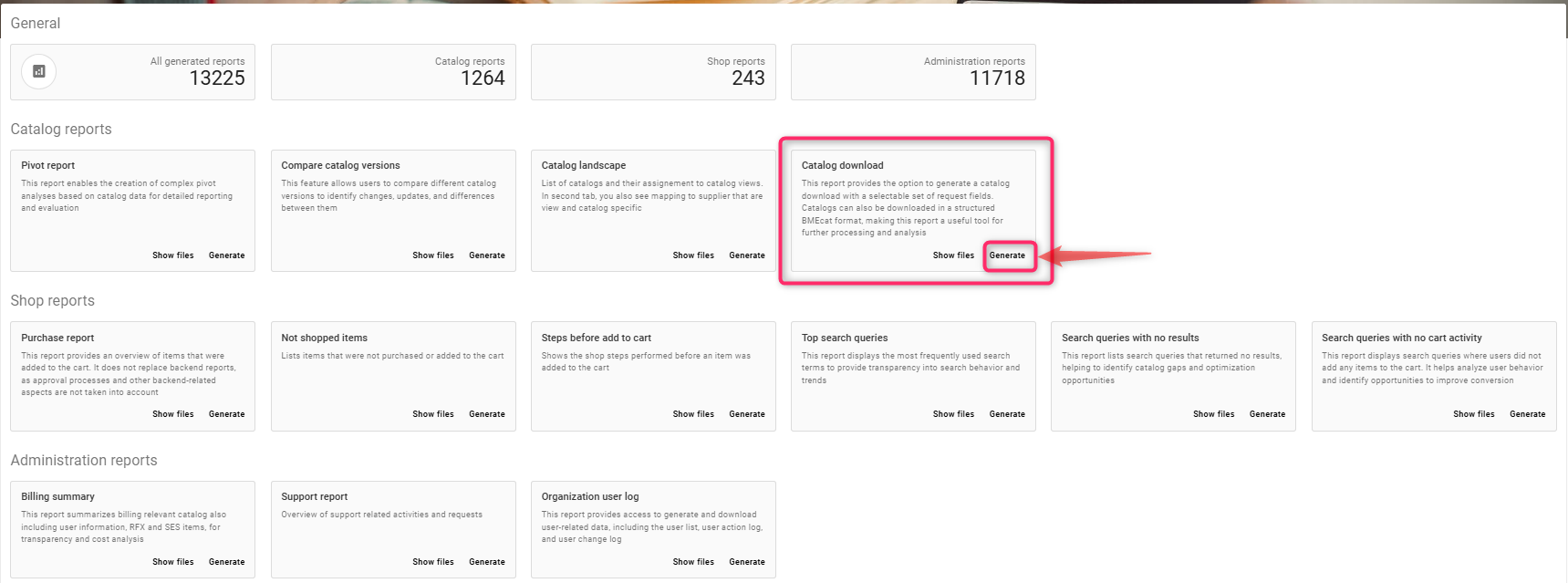
Click on Generate
-
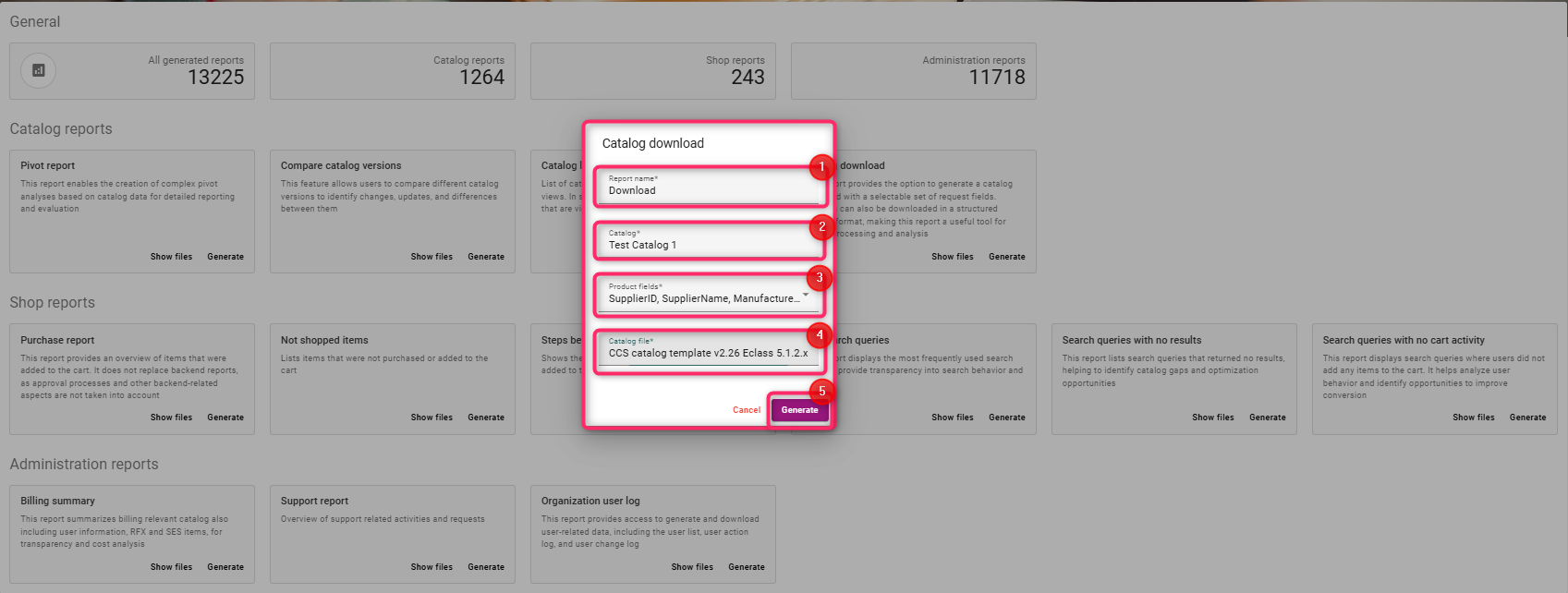
Enter a report name, e.g Download
-
Select the catalog you want to download
-
Select the required product fields
-
Select the catalog file to download
-
Click on generate
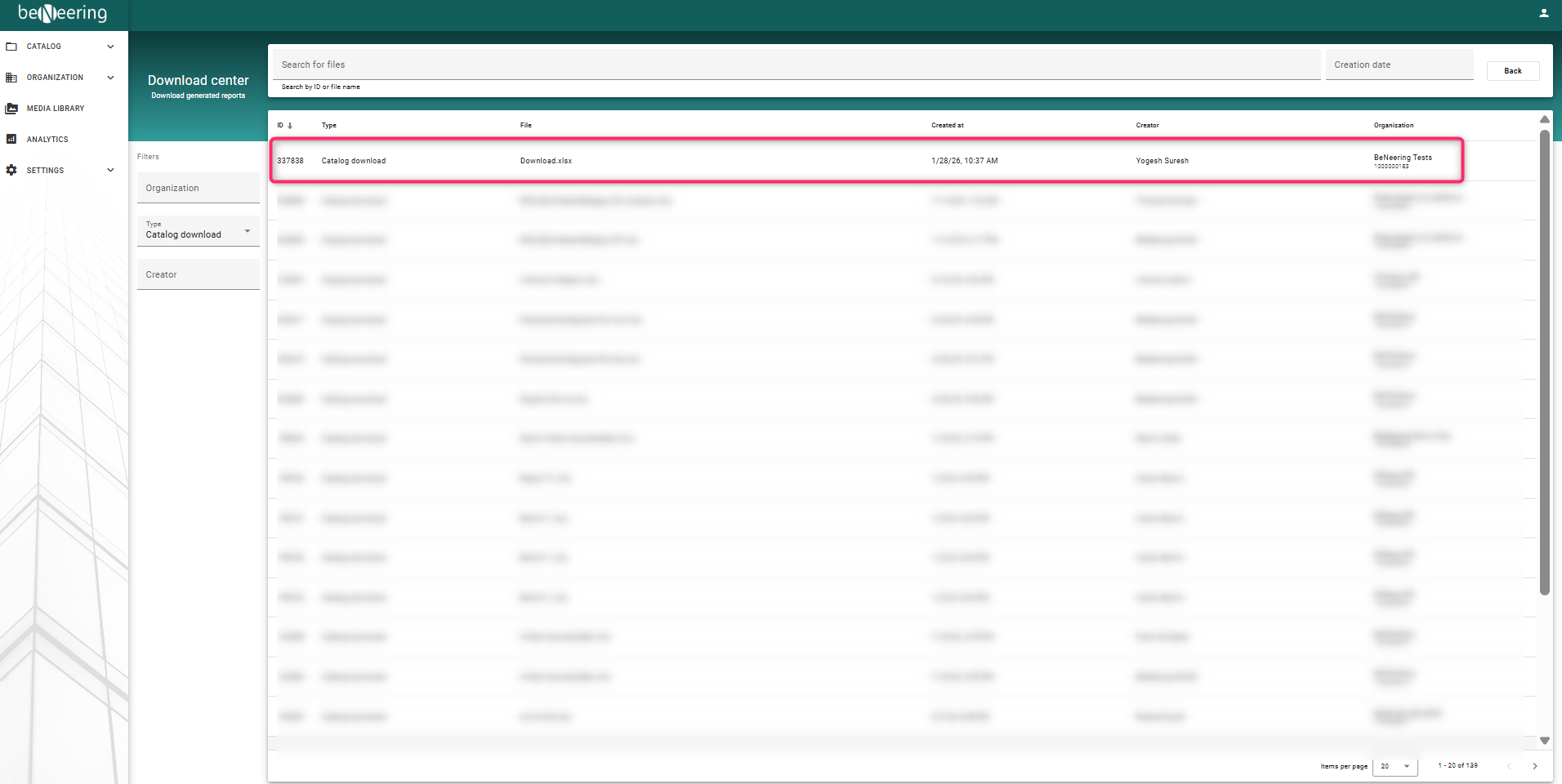
To see the report generated, click on Show files.