This report provides an overview of items that were added to the cart. It does not replace backend reports, as approval processes and other backend-related aspects are not taken into account
Create Purchase Report
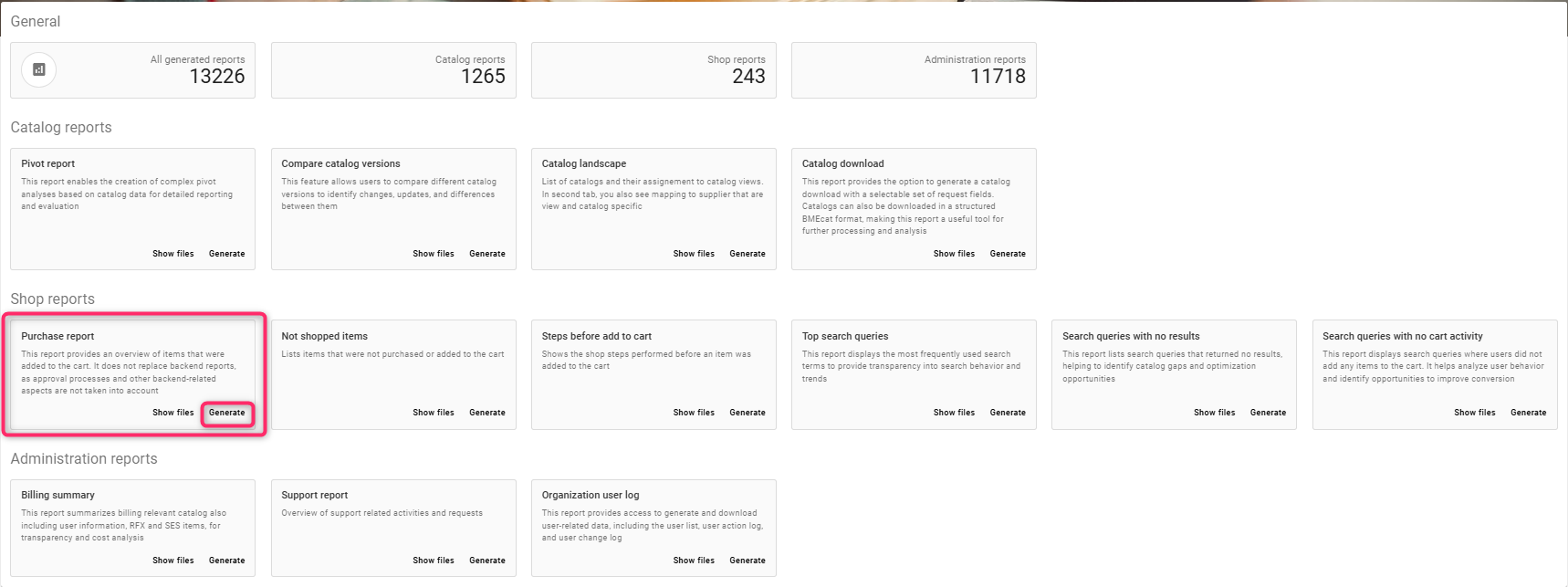
Click on generate
-
Enter a report name, e.g. PurchReport
-
Enter the results limit
-
Select the start date
-
Select range type from the drop down
-
Select the catalog from the values available in the drop down
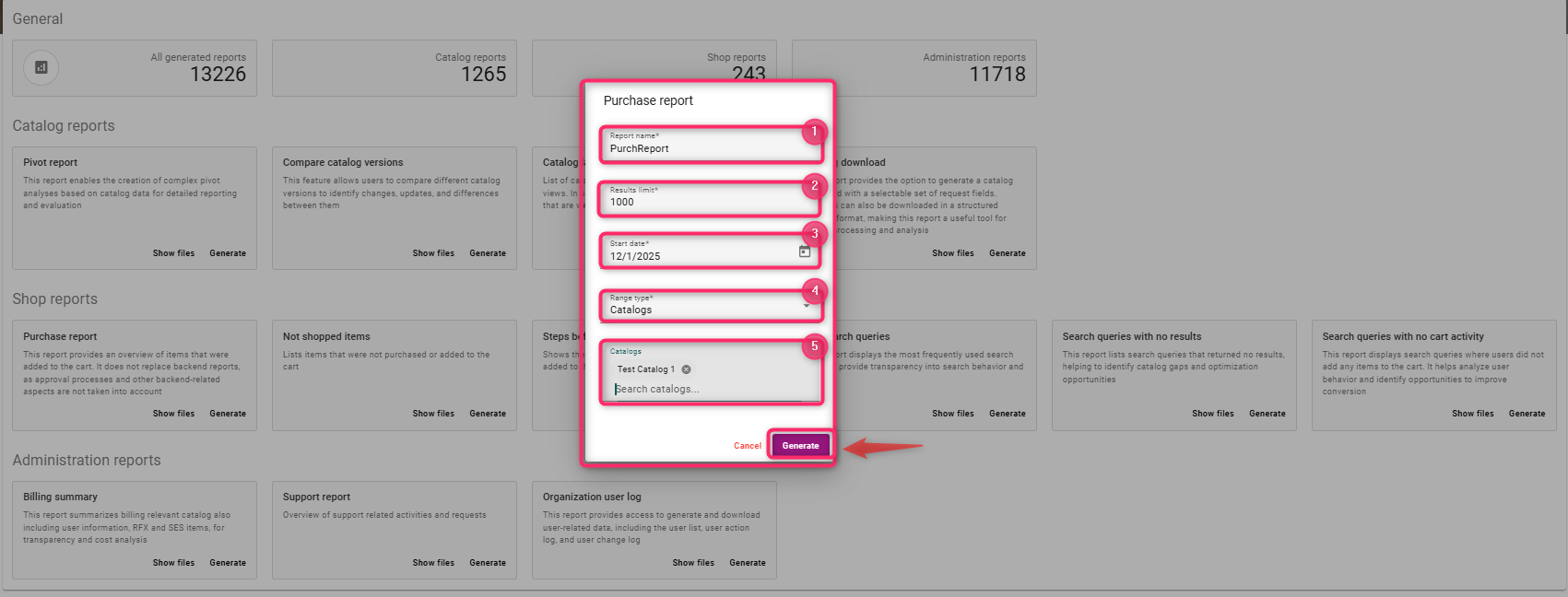
Click on Generate
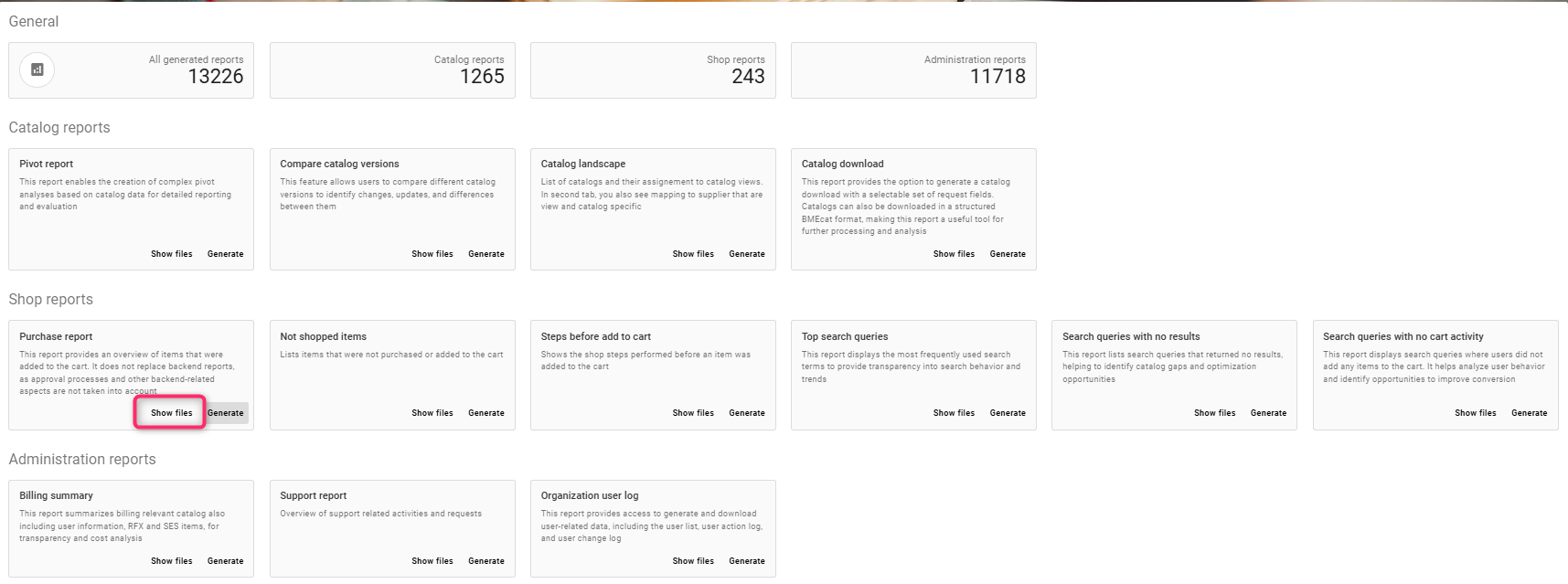
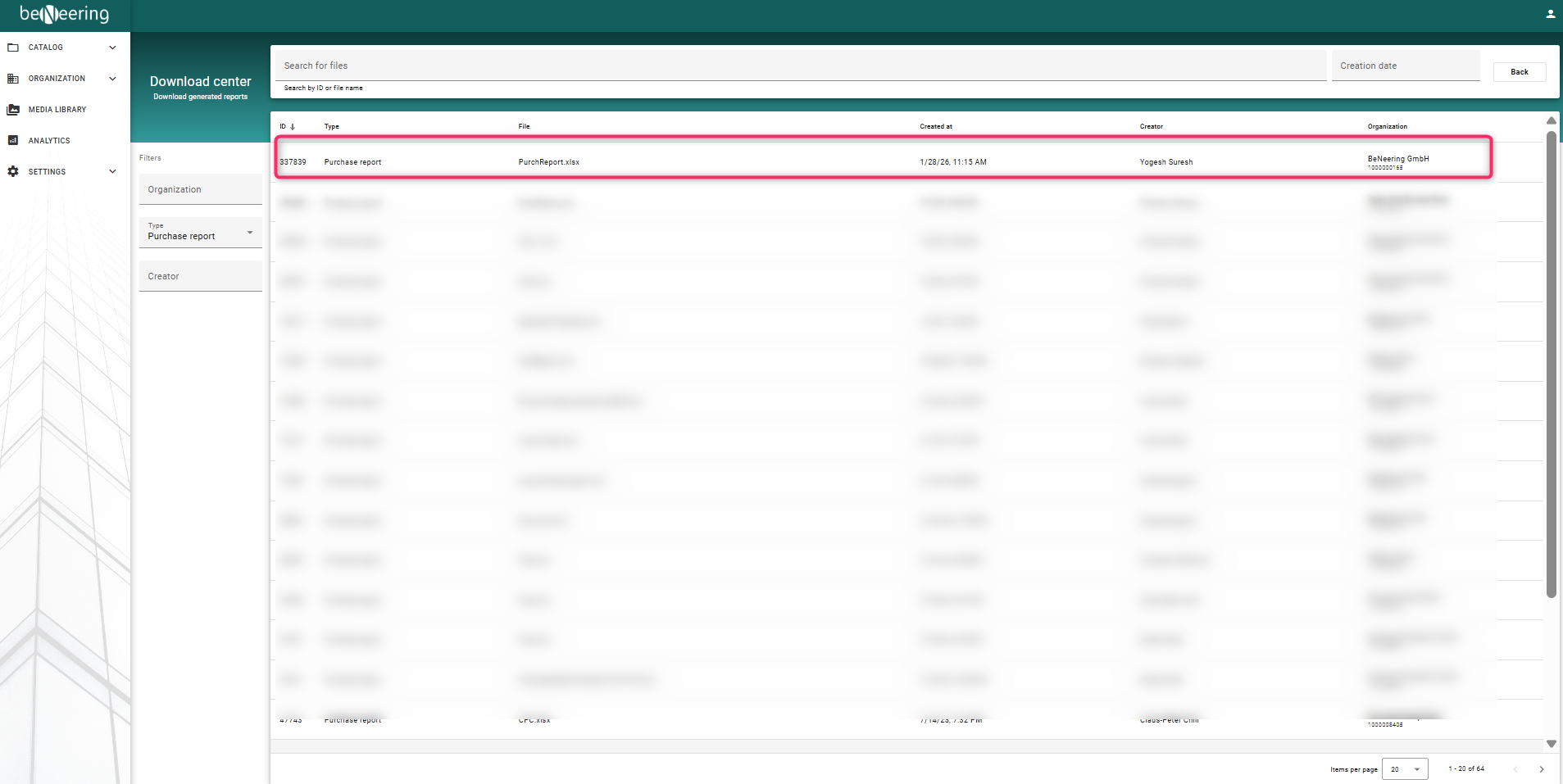
To view the report, click on Show files