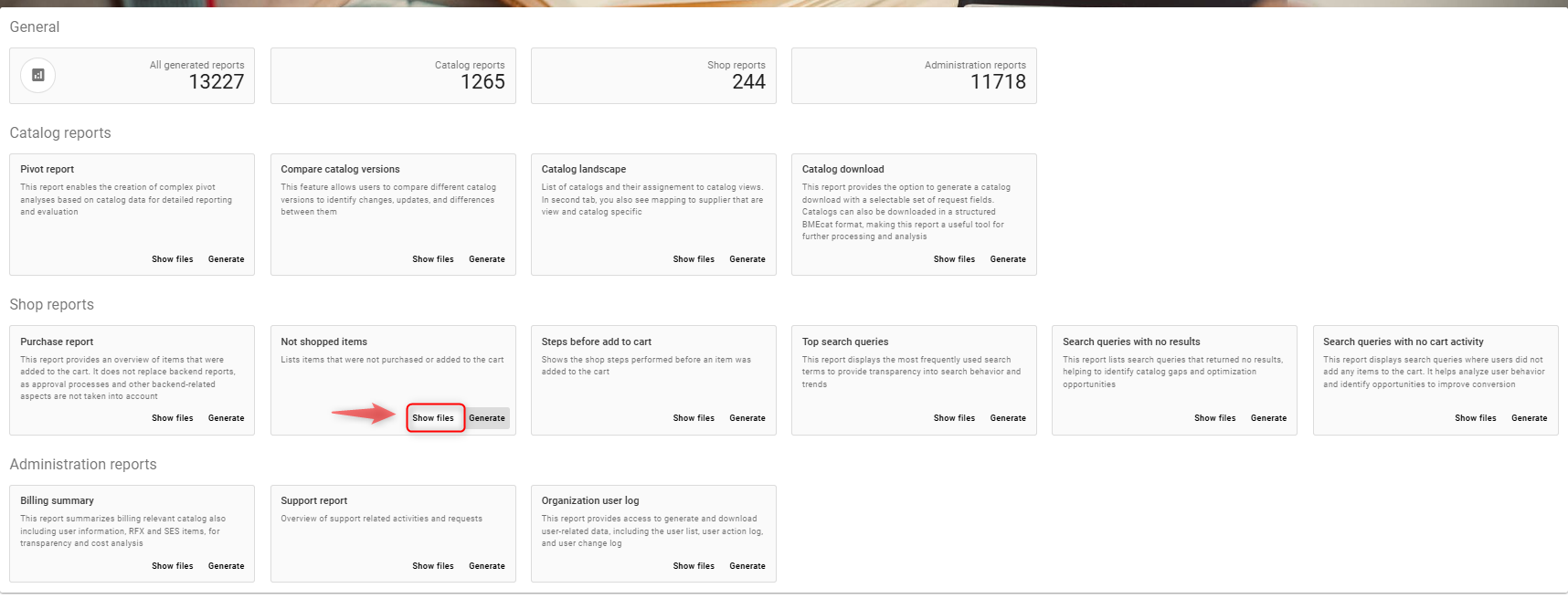
Lists items that were not purchased or added to the cart
Create/generate Not shopped items report
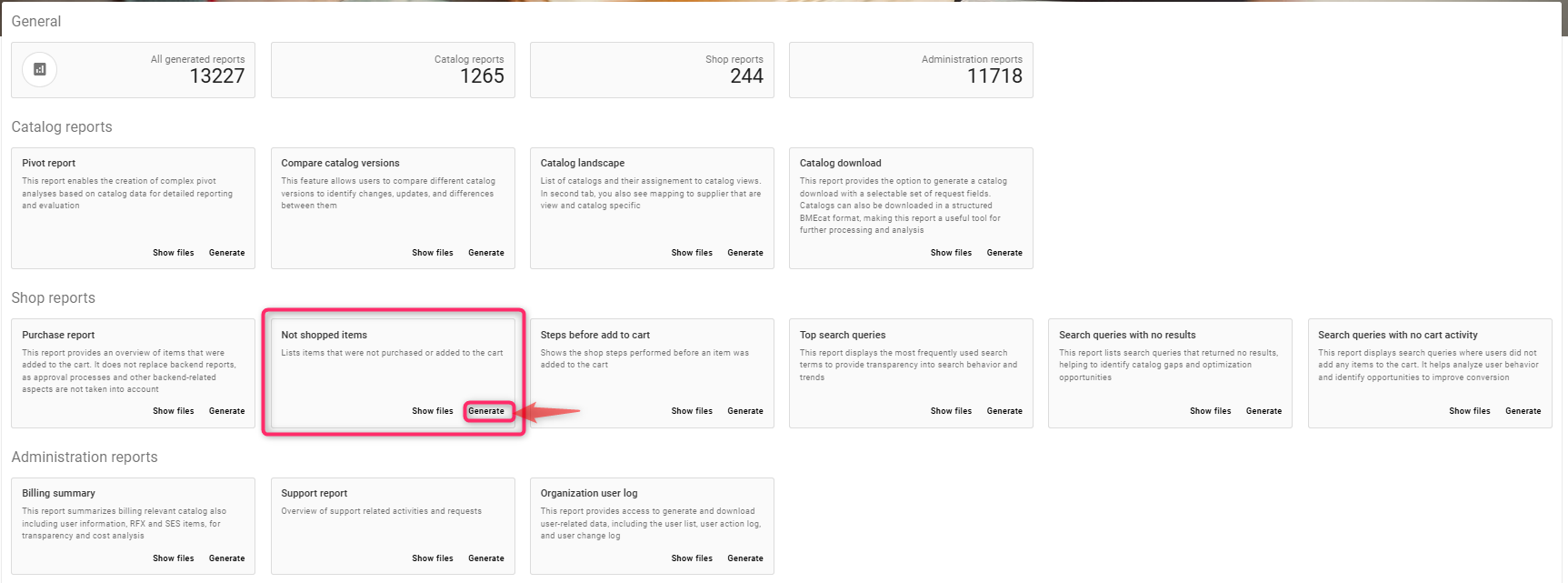
Click on generate tab as shown in the screenshot below
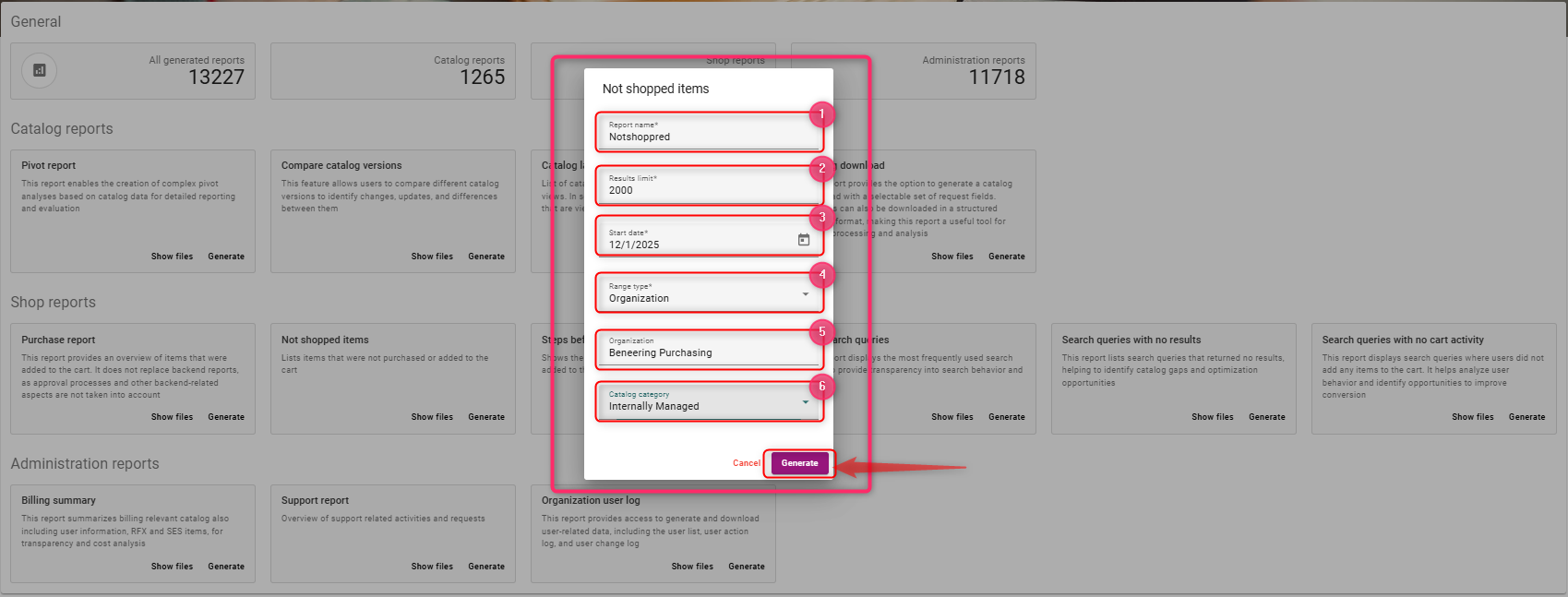
Steps to create report
-
Enter a report name, e.g Notshopped
-
update the results limit (numerical values)
-
Select a start date range
-
From the dropdown, select organisation or catalog (Based on your selection the input fields will change)
-
Select organisation
-
Select Catalog Category
Once the field values are selected, click on generate
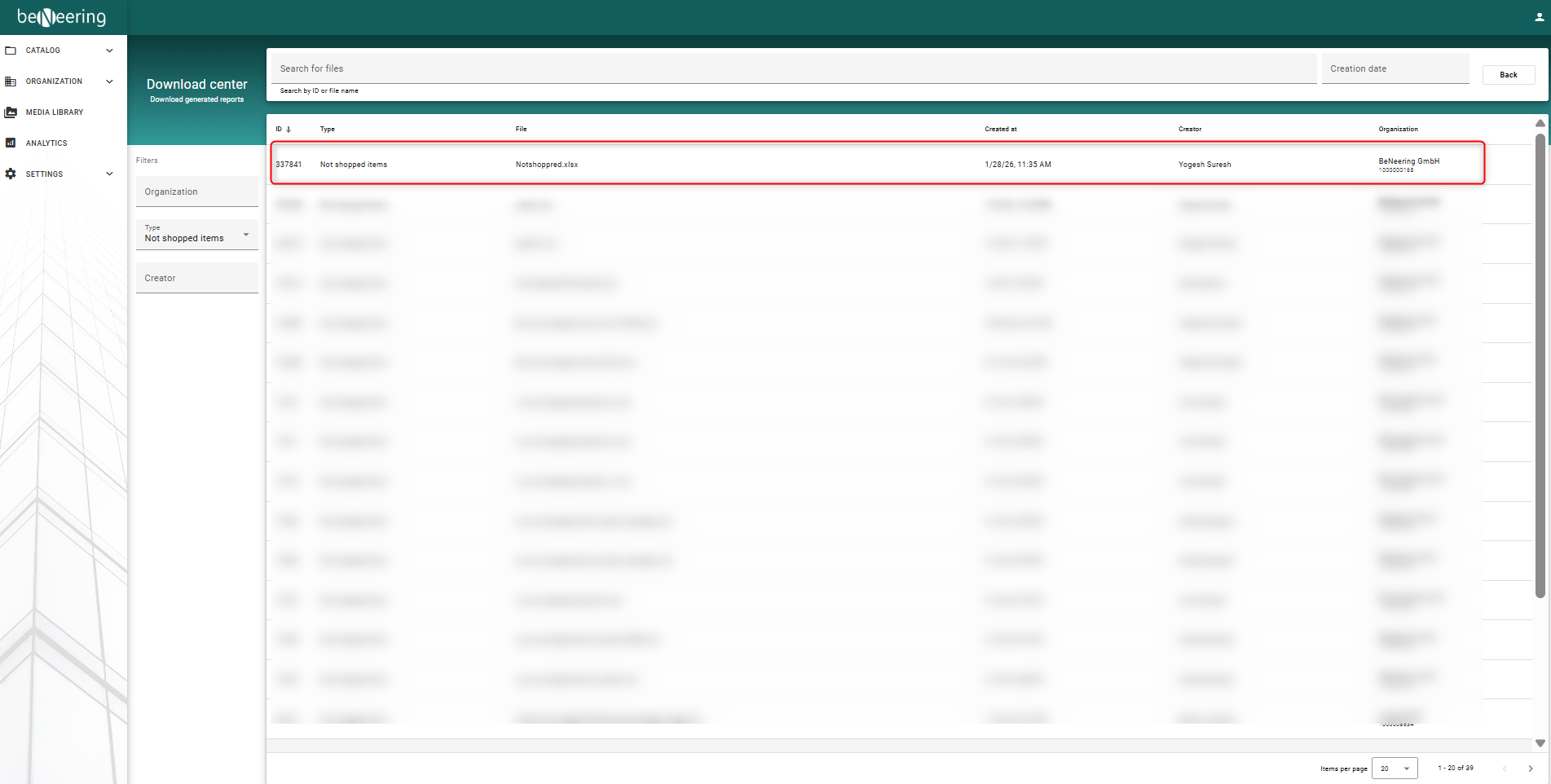
To see the generated report, click on Show files