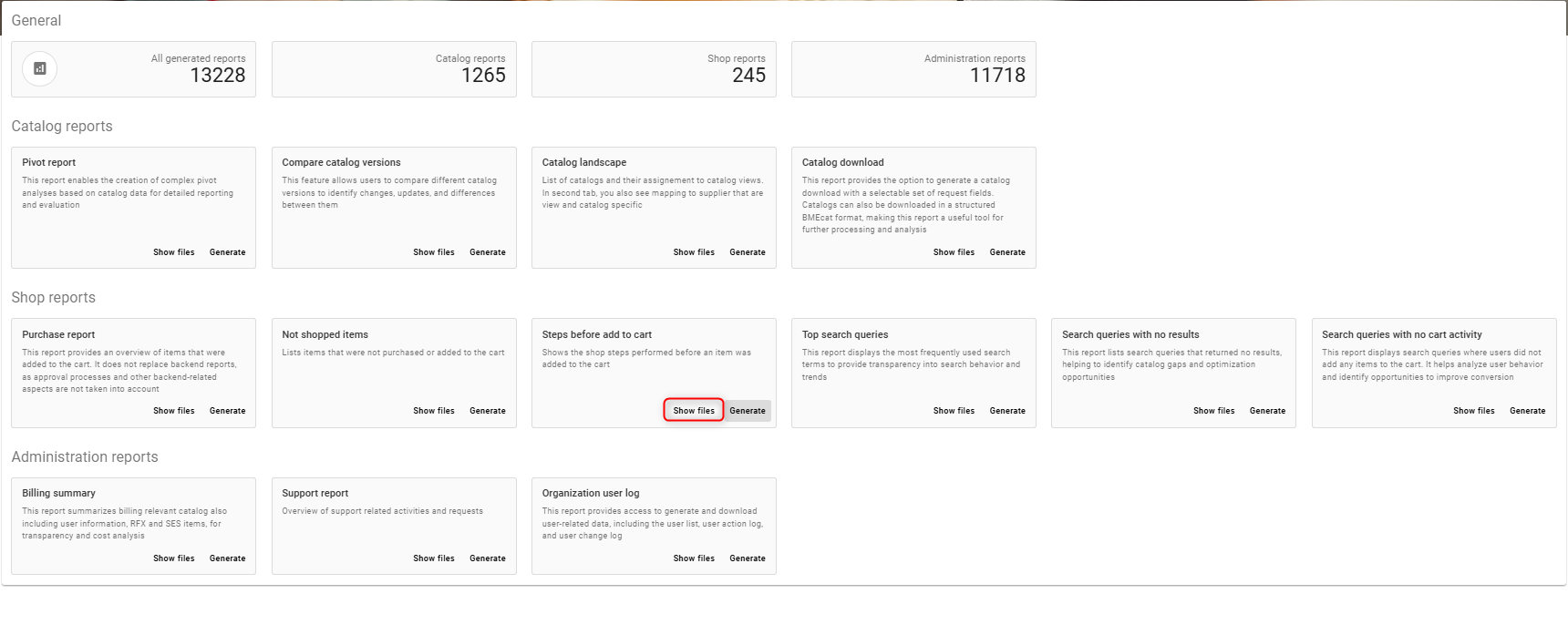
Shows the shop steps performed before an item was added to the cart
Create/generate steps before add to cart report
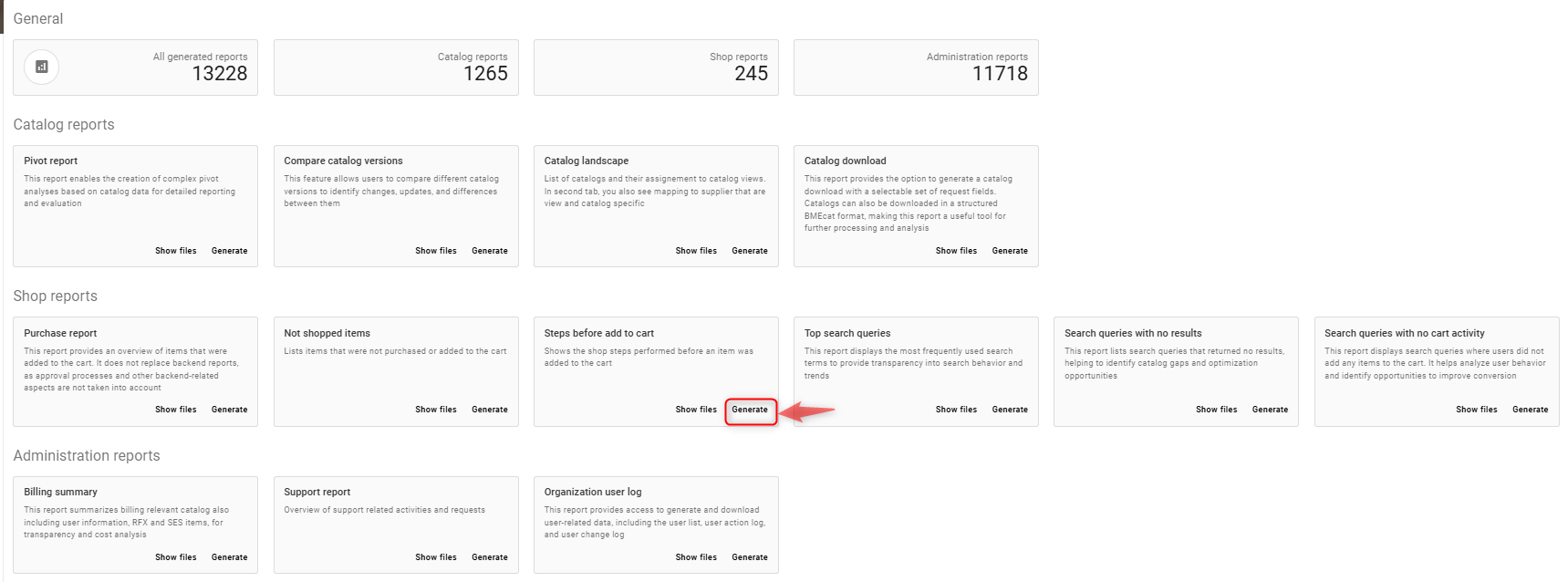
Click on generate tab as shown in the screenshot below
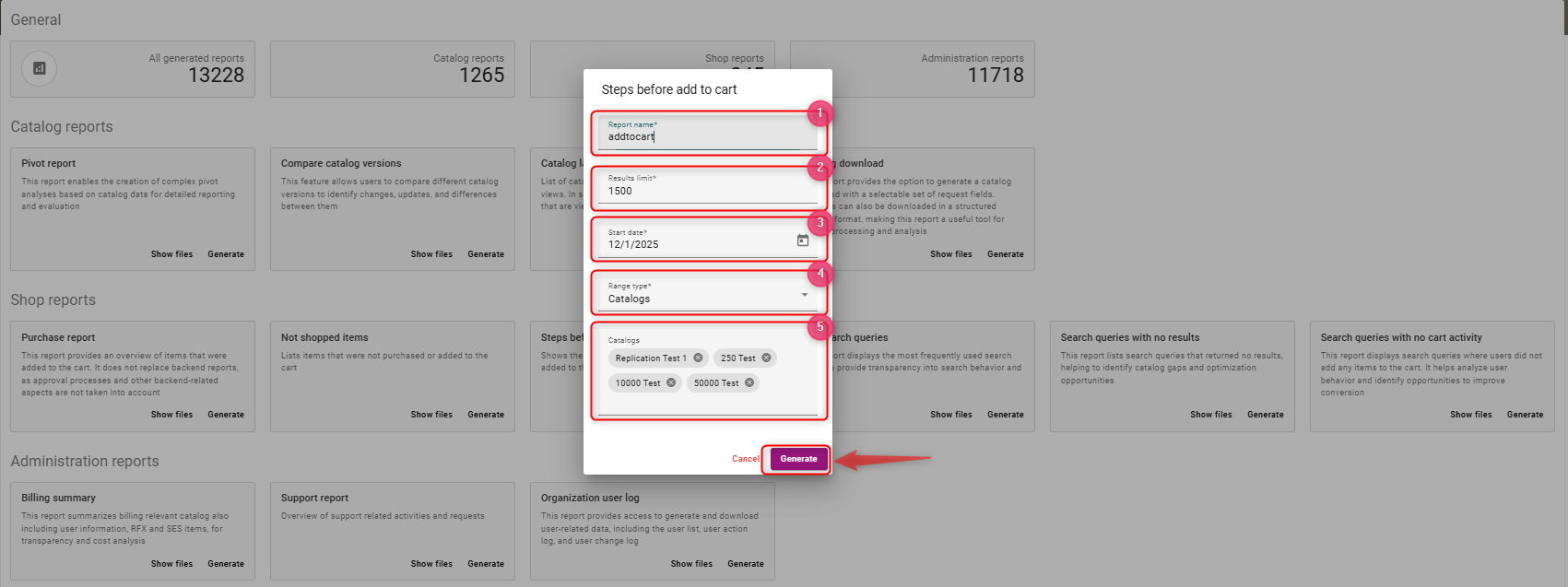
Steps to generate the report
-
Enter a report name, e.g. addtocart
-
Enter a results limit (numerical values, e.g 100, 200)
-
Select a start date range
-
Select Range type (Organisation / Catalog / View)
-
If you select the range type as catalogs, now select the catalog from the drop down (you can select multiple catalogs)
Once the field values are selected, click on generate
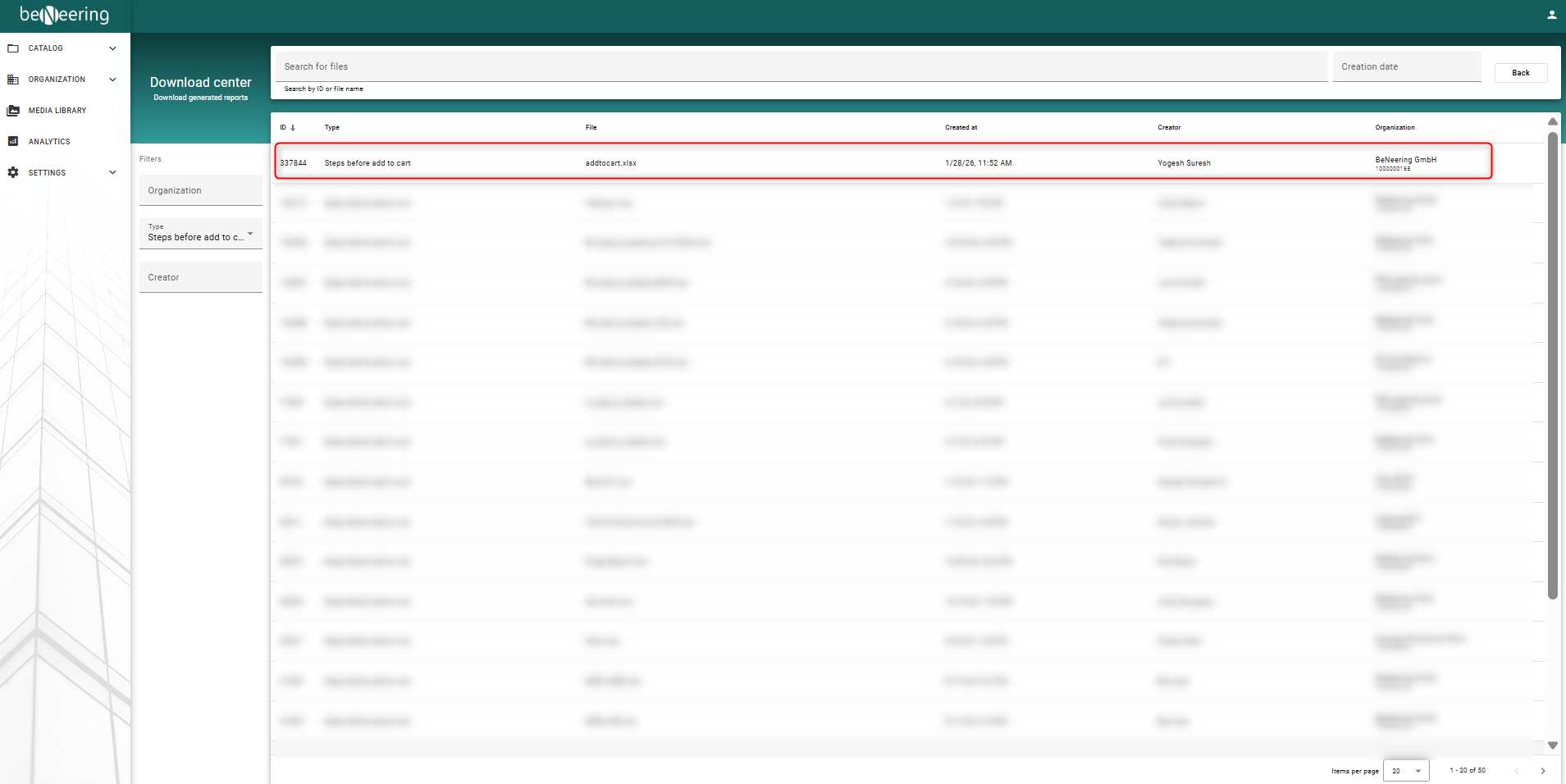
To see the generated report click on Show files