
Description
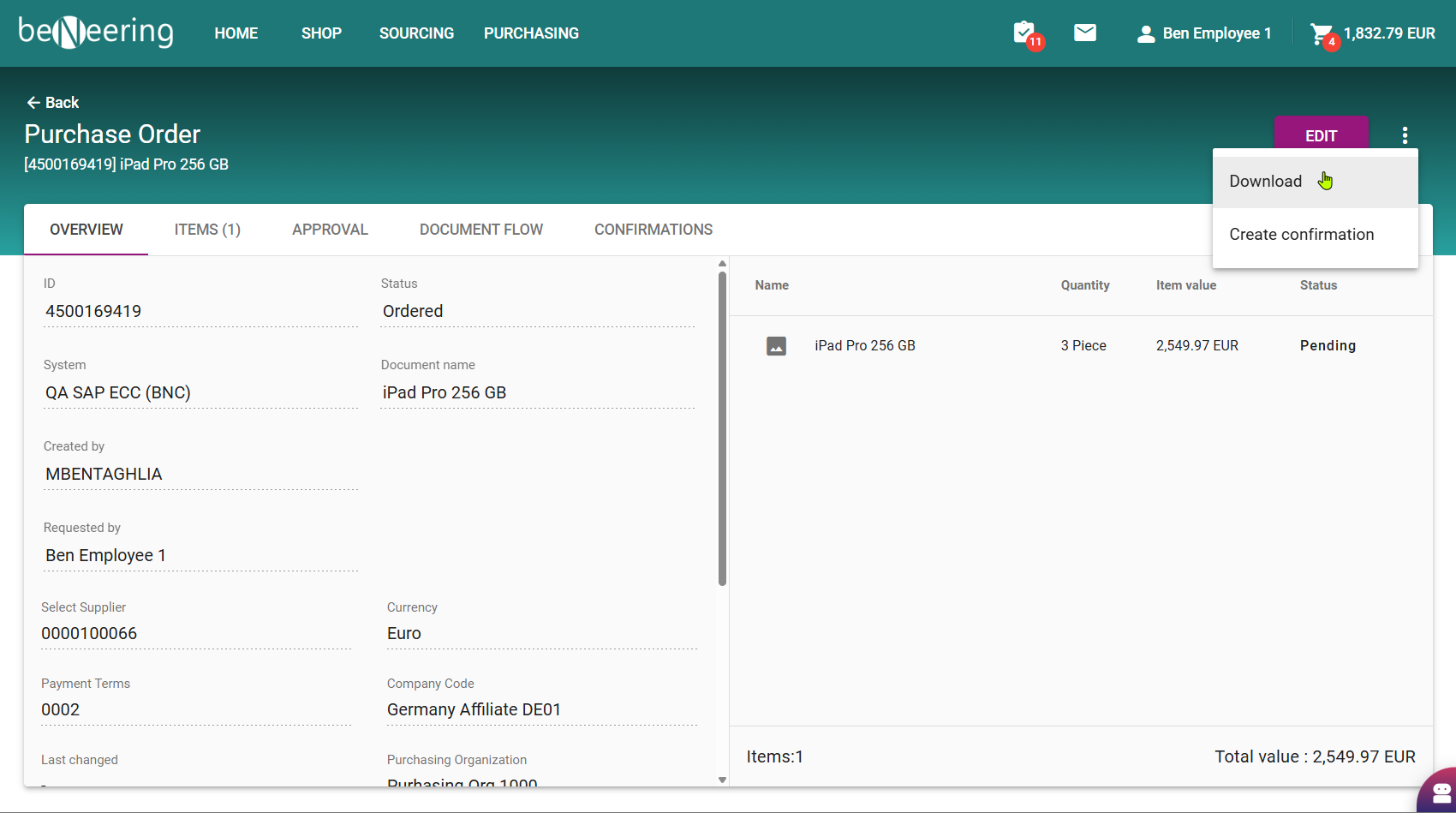
BeNeering is offering a direct download of the Purchase Order document from your backend system.
Step-by-step guide
-
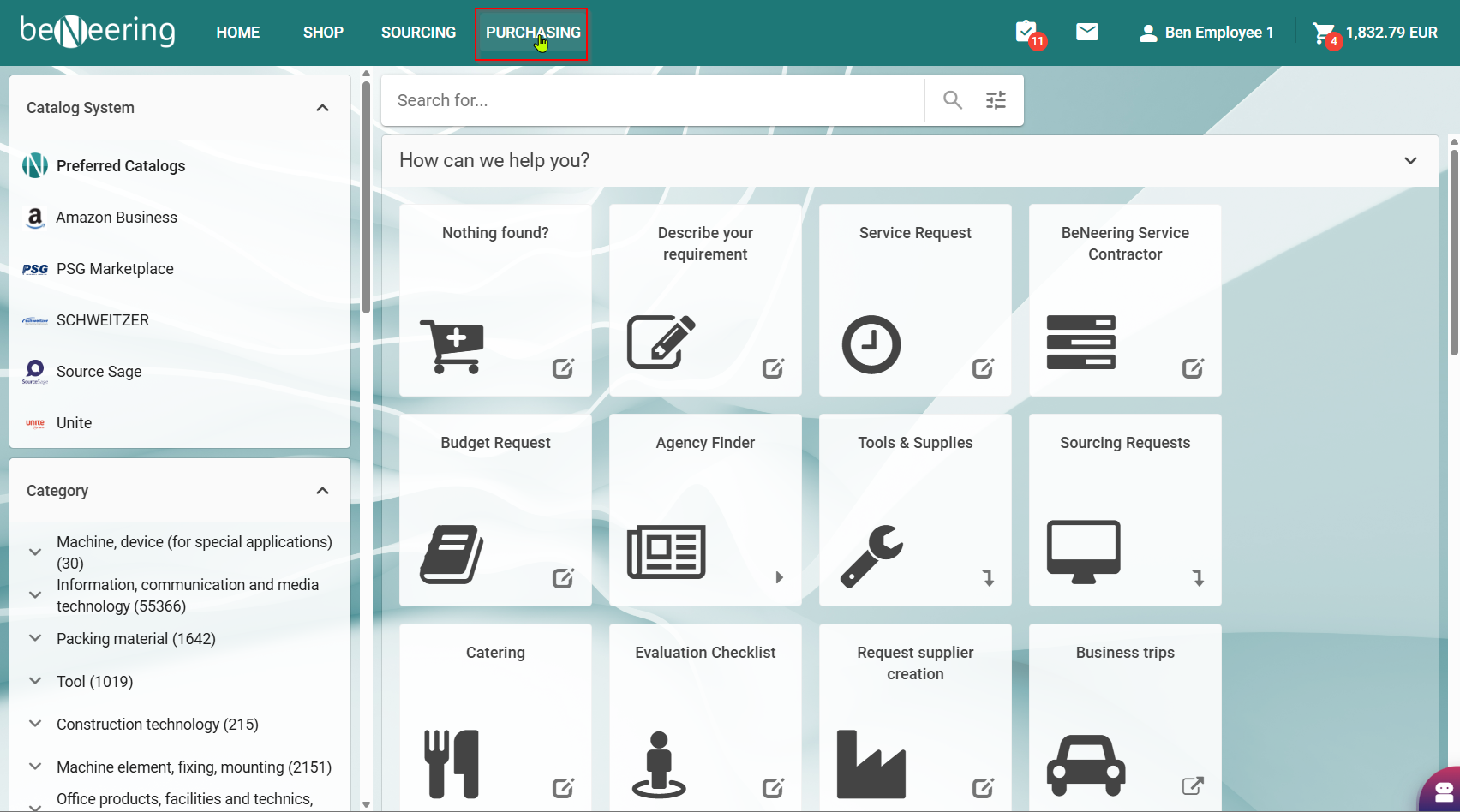
Open the PURCHASING tab
-
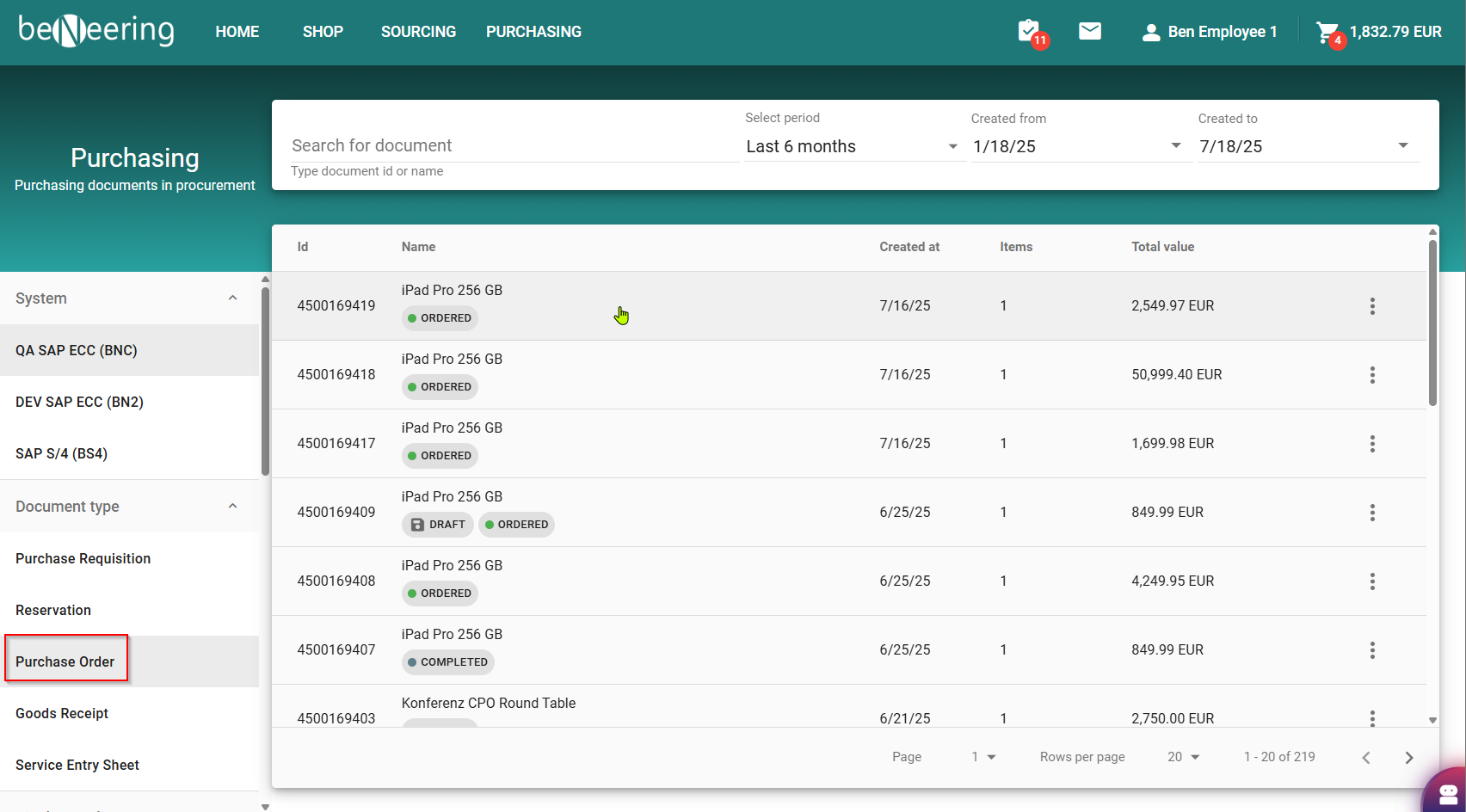
Search for a Purchase Order using the filters
-
When the Purchase Order is opened you will find the download button of the real document from the backend located behind the three dots on the top right corner
A custom SAP development is needed upfront to activate this feature