
The User can be created by Login into our System and then selecting the “User” Tab and then selecting the Button “new”
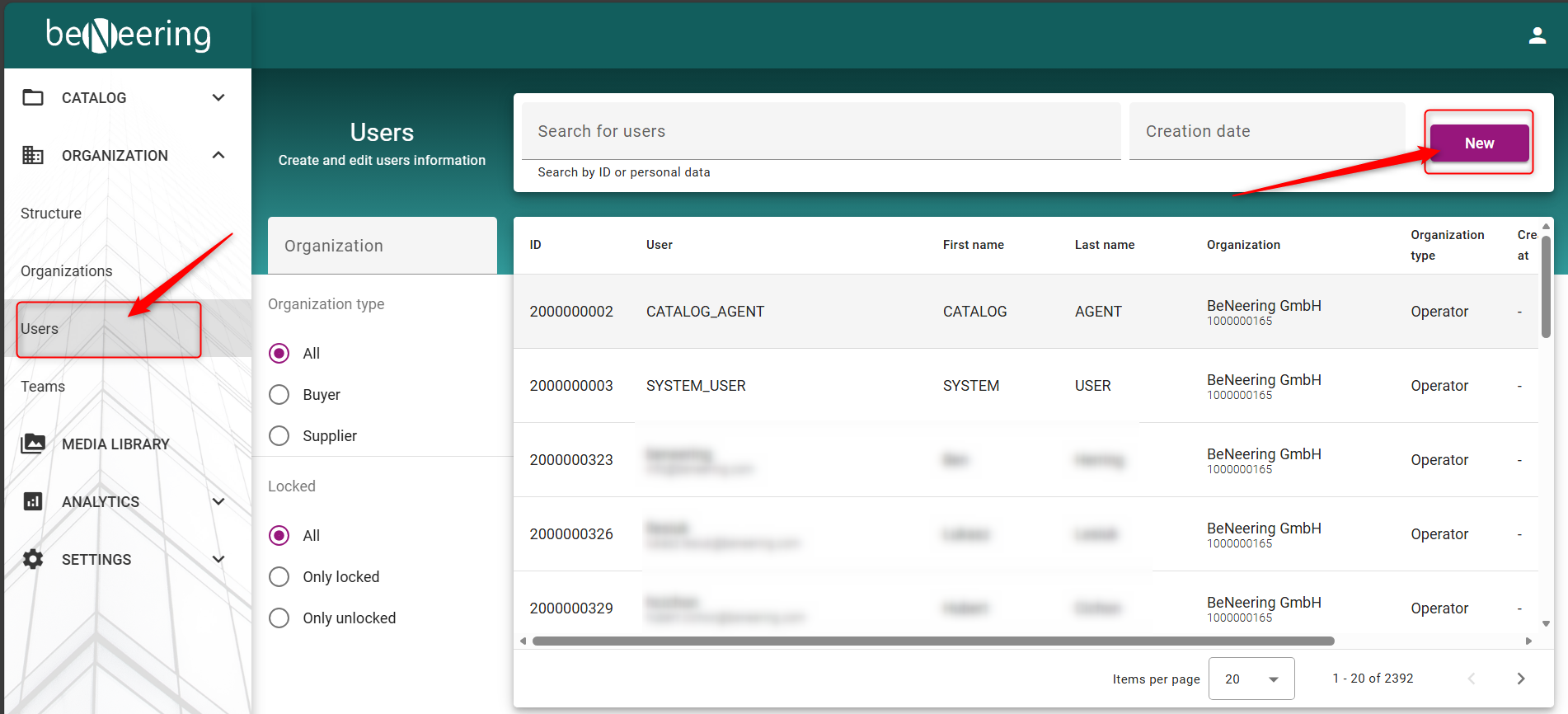
Inside you need to fill out the following important information:
|
Information |
Value |
|---|---|
|
Title |
The Title of the person “MS/MR” |
|
First name |
The first name of the new user |
|
User name |
The new user name for the user (best to select the mail address) |
|
Last name |
The last name of the new user |
|
Language |
The Language of the new user interface |
|
|
Email address of the new user (most important) |
|
Telephone |
Telephone number of the new user |
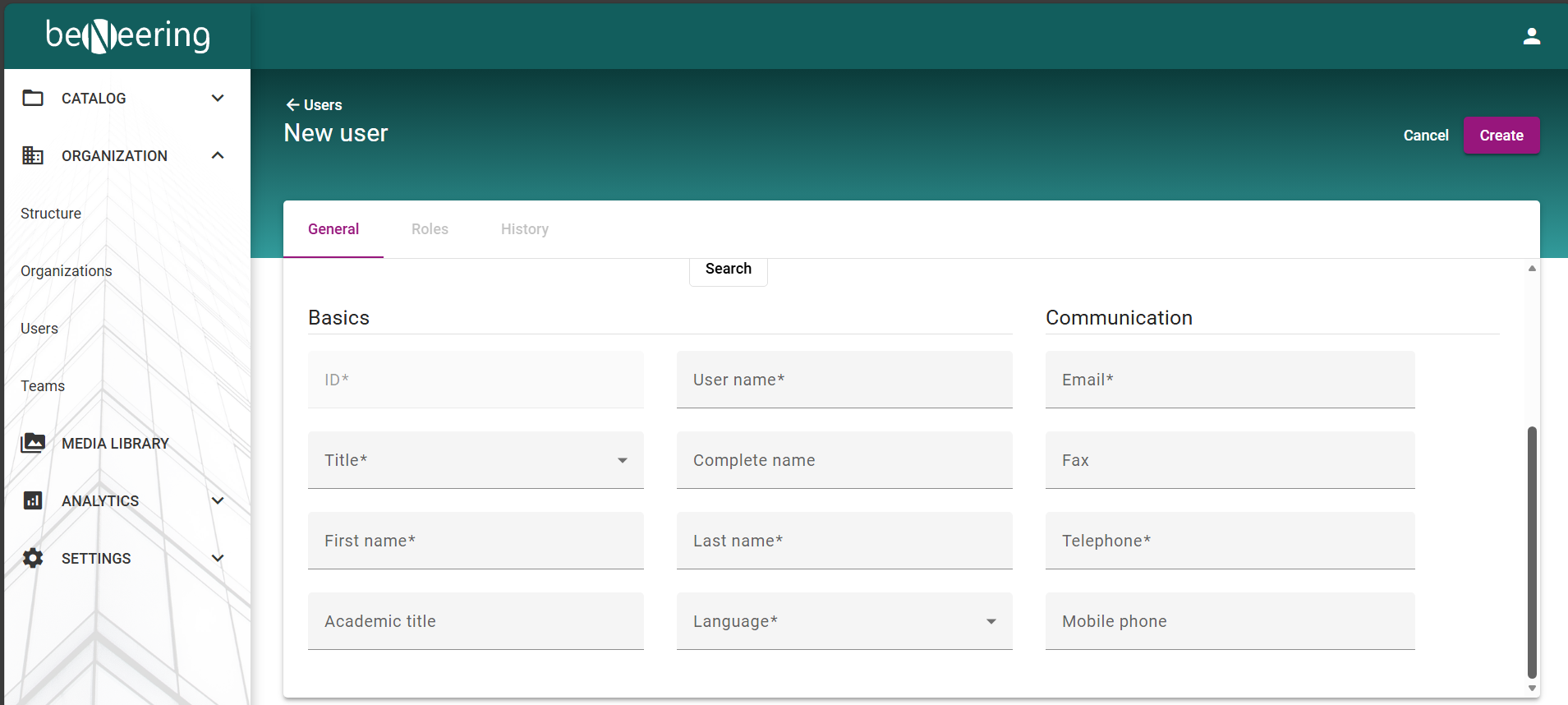
After successfully filling out all the information and by clicking on the “create” Button an invitation will be send to the provided email address
of the new user:
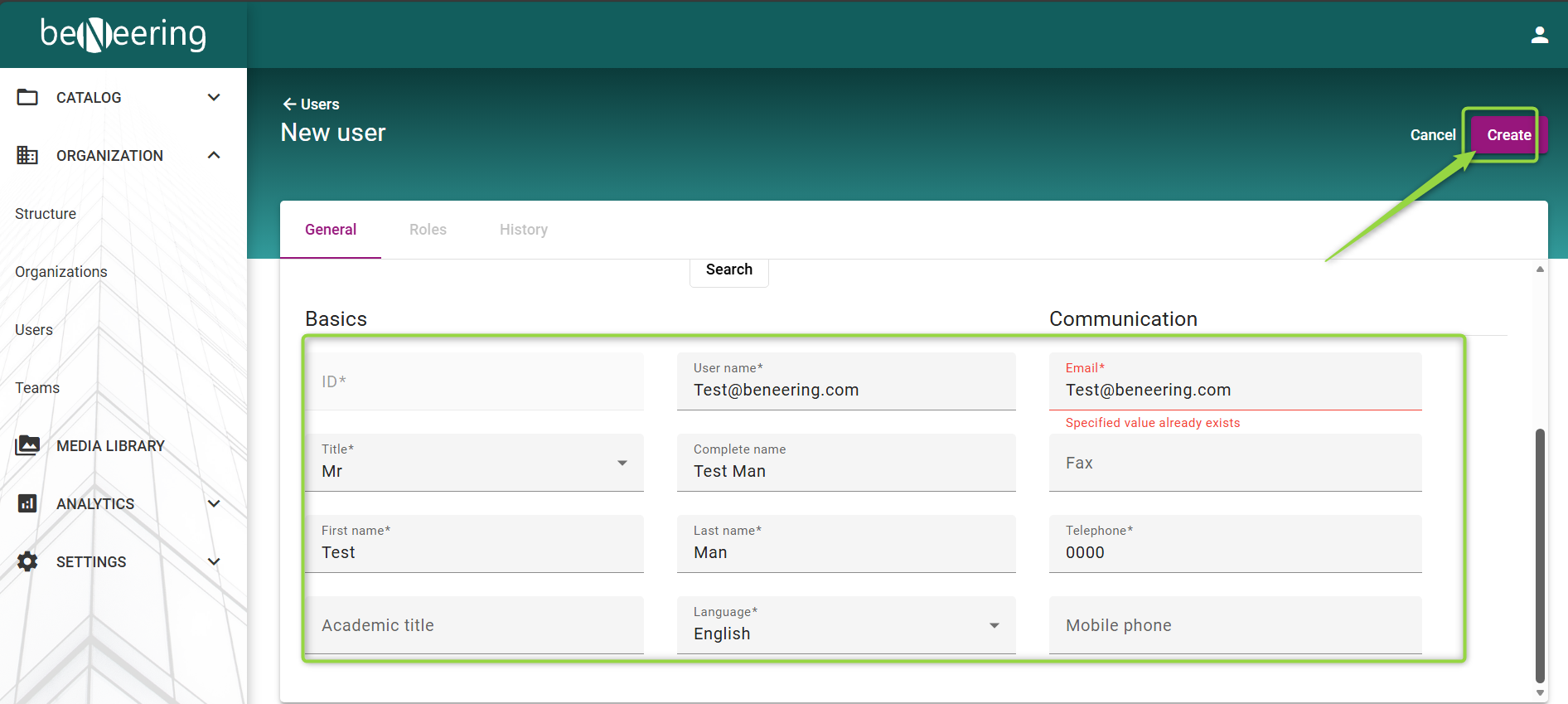
You will receive this message: “Success User was created” as an result:
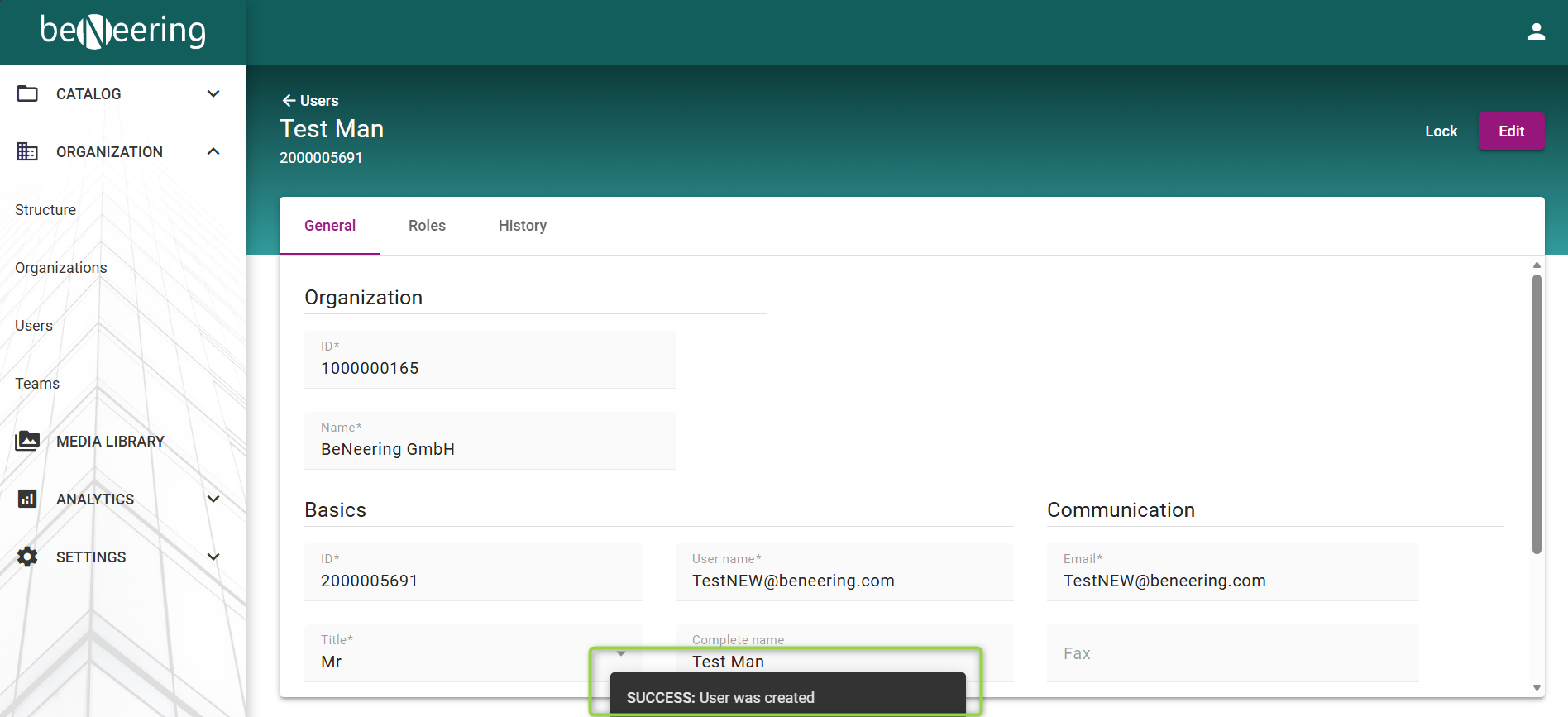
You are now able to select the roles for the user:
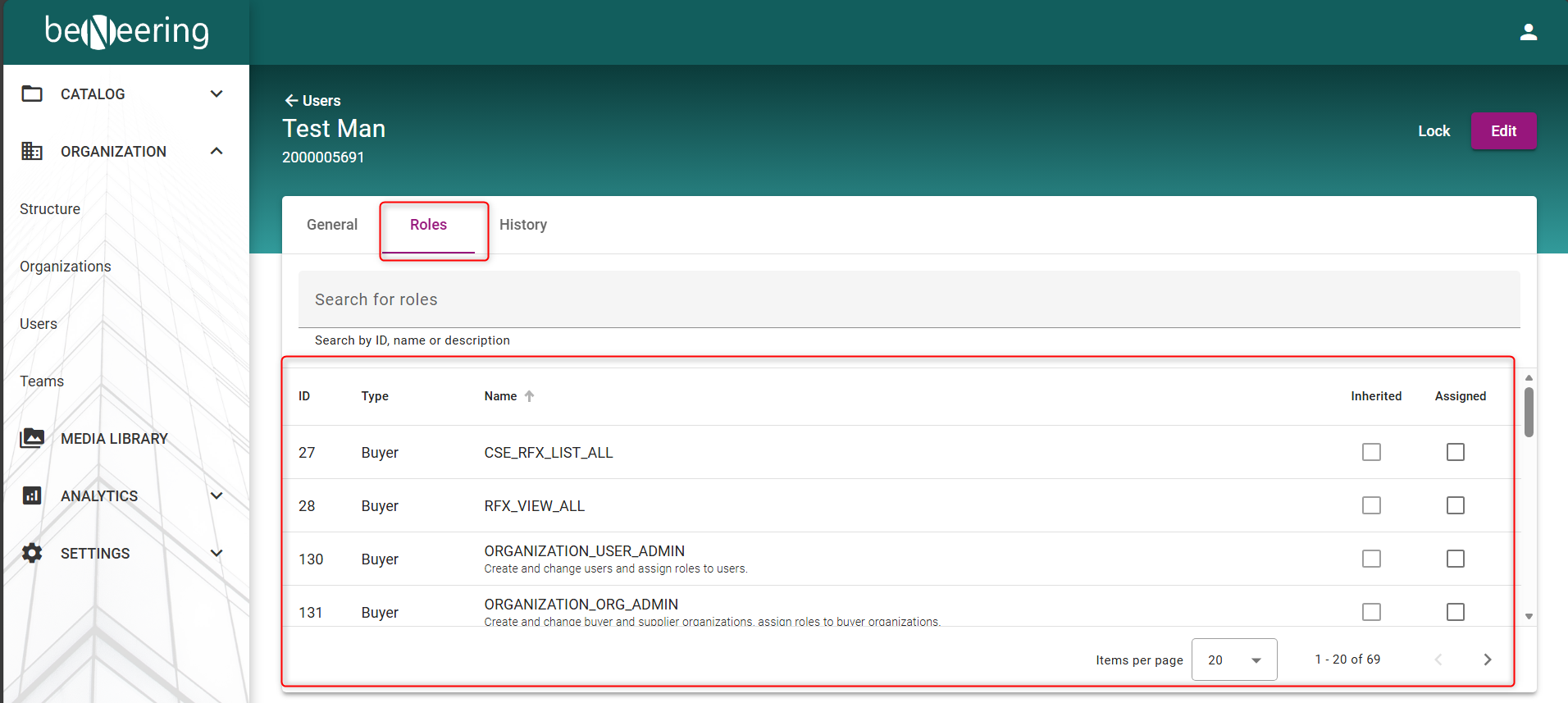
Which we will look into in the next Topic: