
If you clicked on a Purchase Requisition, you will see three points on the upper left side.
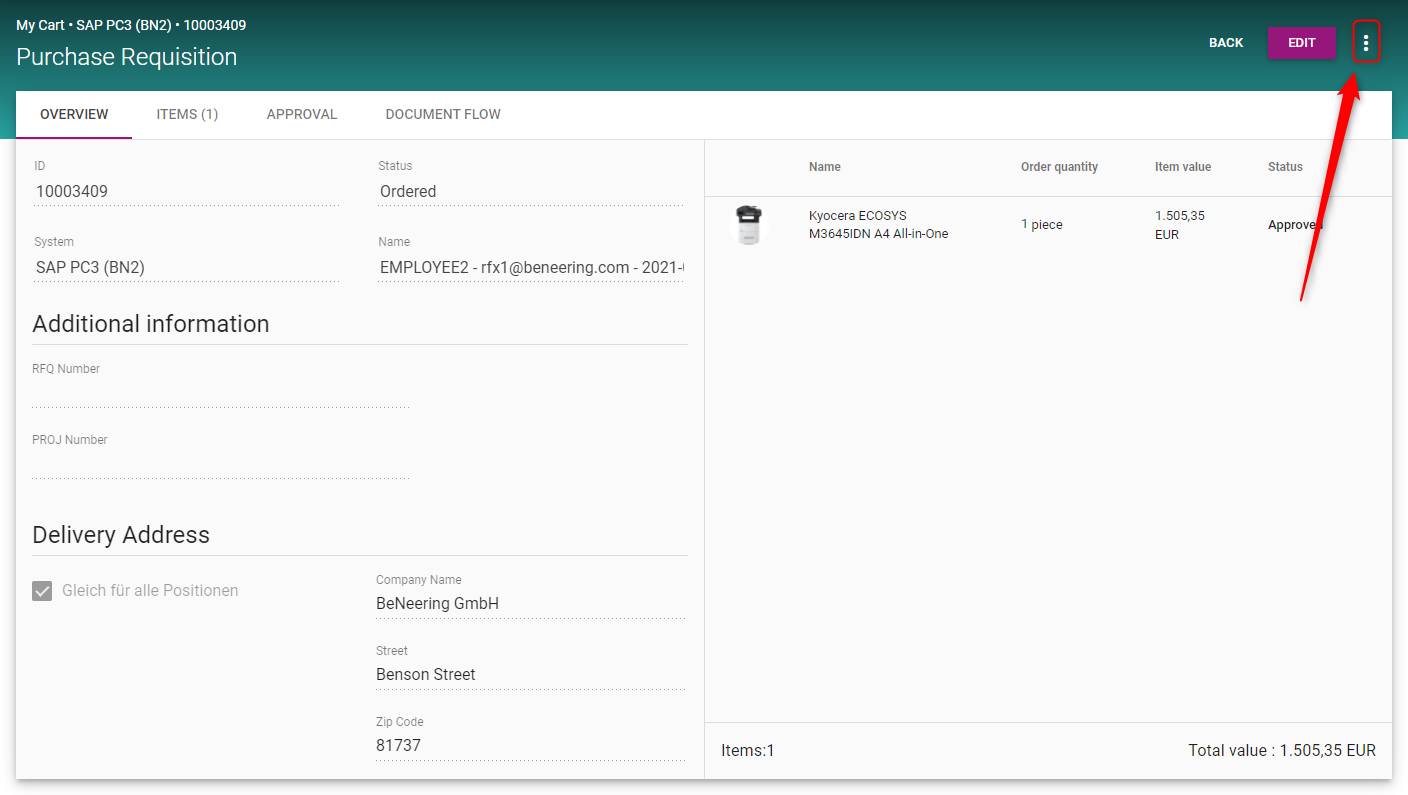
A popup will open with additional options.
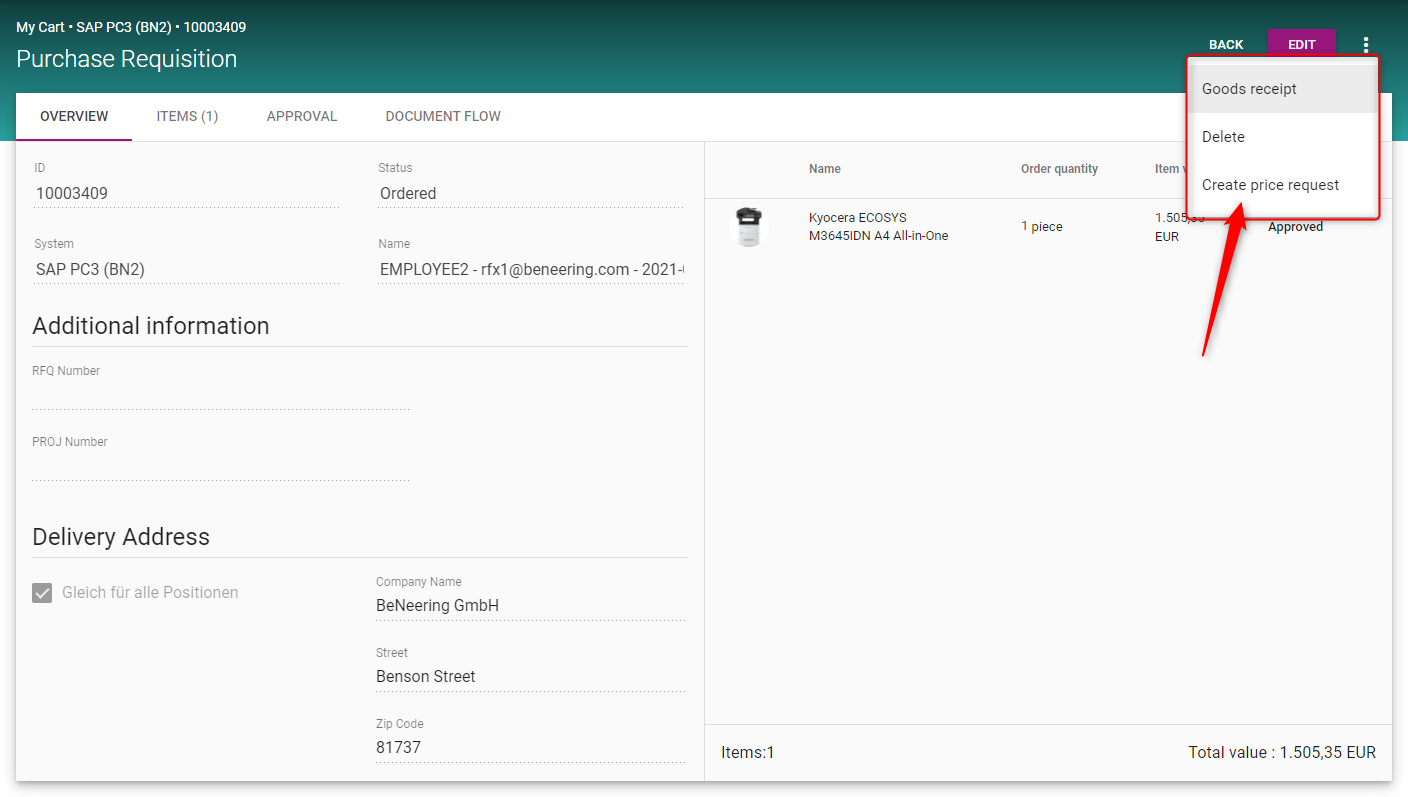
In the following table the options will be described.
|
Additional Option |
Description |
|---|---|
|
Goods receipt |
Create a Goods Receipt (Wiki page Confirm Goods and Services) |
|
Delete |
Delete the Purchase Requisition |
|
Create price request |
Create a new price request (Wiki page Create Sourcing Request) |